1
Copy Functions
5
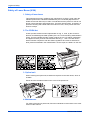
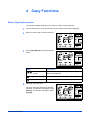
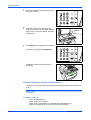
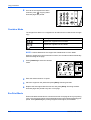
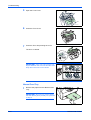
Enter the number of copies required. Up to
99 can be entered.
/
6
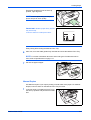
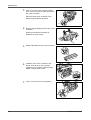
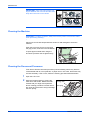
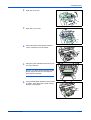
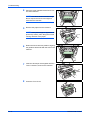
Open the original cover and place the
original face down onto the platen against
the left rear corner of the platen. Close the
original cover.
7
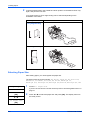
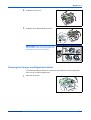
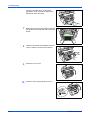
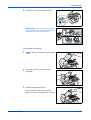
Press [Start]. Copying begins immediately.
To cancel copying, press [Stop/Clear].
/
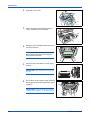
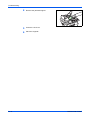
Completed copies are delivered to the
output tray.
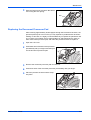
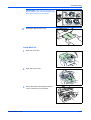
Placing Originals in the Document Processor
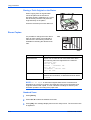
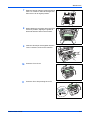
The document processor automatically feeds and scans multiple sheet originals one
by one.
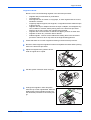
IMPORTANT: Be sure that the document processor is closed whenever transporting
the machine.
Acceptable Originals
•
•
•
•
4-2
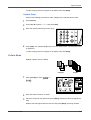
Use sheet originals only
Paper weight: 60 to 105g/m²
Paper sizes: Legal (Maximum), Statement and A5R (Minimum)
Maximum number which can be set at one time: 50 sheets
OPERATION GUIDE