1
BioClock/BioClock Plus User’s Manual
Operation:
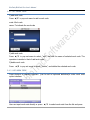
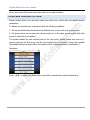
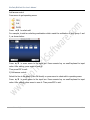
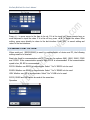
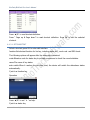
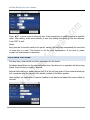
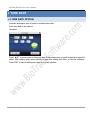
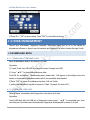
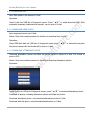
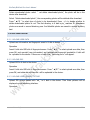
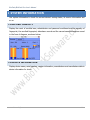
Press </> to move cursor to the item to be set. If it is the input box, press numeric keys on
small keyboard to input the value. If it is the roll box, press ▲/▼ to switch the values. After
setting, press menu directly to return to the last interface. Press ―ESC‖ to cancel setting and
return to the last interface.
2.5.5 DISABLE ALARM
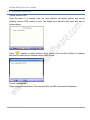
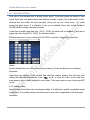
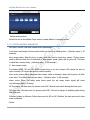
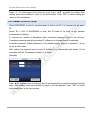
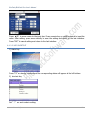
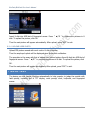
When the device is in alarm state, press menu, the device will say ―are you sure to disable
alarm ‖. If not, the alarmer will moo all the time. After the alarm is disabled, the device will
recover normal state.
Alarm types: door sensor alarm, tear-down alarm and duress alarm.
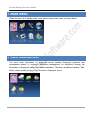
2.6 CARD MANAGEMENT
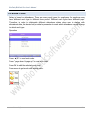
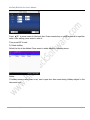
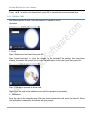
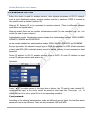
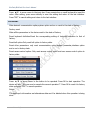
Support Mifare non-touch intelligent card with working frequency of 13.56MHZ. Integrate
fingerprint attendance to other systems and support multi- verification mode to meet the
demands of different people.
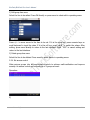
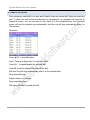
Operation
www.BiotrackSoftware.com
28