1
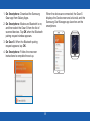
Double-tap
Double-tap With Two Fingers
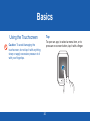
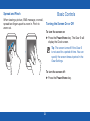
When viewing a picture, SMS message, or email,
double-tap to zoom in. Double-tap again to return.
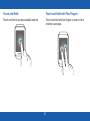
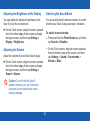
To check Gear S status, including Bluetooth,
the connection to the smartphone, sound mode,
mobile network status, and remaining battery
power, double-tap anywhere on the screen with
two fingers. You can also adjust the volume and
the brightness of the display.
22