1
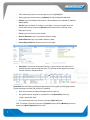
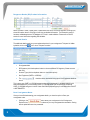
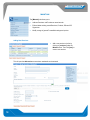
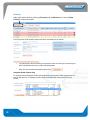
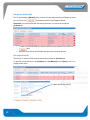
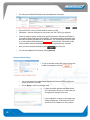
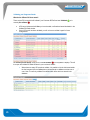
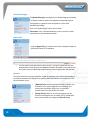
Manual Labels This feature allows you to create labels manually, this means that it will not be saved as a consignment. You will need to fill the following fields to create a manual label: Please note: these are not compulsary fields, however the more information you include the more helpful it is when delivering freight. Number of labels Carrier Receiver code Receiver name Address Suburb City Note number Date Sender reference Receiver reference Receiver phone Once you have filled in the above fields you are able to [Preview] or [Print] the Manual Label. You are also able to [change printer] or save the Manual Label as a template so that you can use it again next time you click on [Manual Label] Select [Clear Template] erases all text in the Manual Lavel Template Freeform Labels [Freeform Labels] allow you to create labels which have no specific field headings attached to them. It is essentially a text box which you are able to fill in with details. You will need to fill in the following fields to create a manual label: Number of Labels Label Text Barcode/Text: by entering in the numbers in the blank box you can then select if you would like these numbers to be converted into a barcode or leave them as numbers. 16 16