1
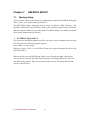
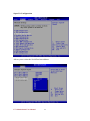
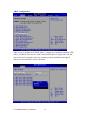
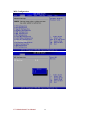
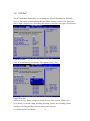
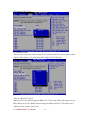
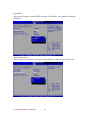
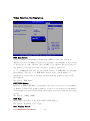
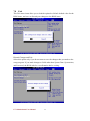
The Main BIOS setup screen has two main frames. The left frame dis- plays all the
options that can be configured. Grayed-out options cannot be configured; options in
blue can be. The right frame displays the key leg- end.
Above the key legend is an area reserved for a text message. When an option is
selected in the left frame, it is highlighted in white. Often a text message will
accompany it.
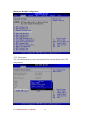
7.2
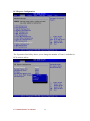
System Overview
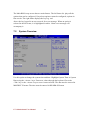
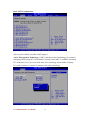
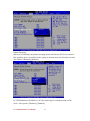
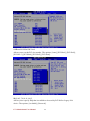
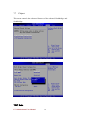
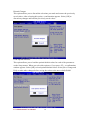
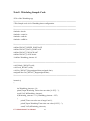
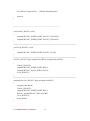
Use this option to change the system time and date. Highlight System Time or System
Date using the <Arrow> keys. Enter new values through the keyboard. Press the
<Tab> key or the <Arrow> keys to move between fields. The date must be entered in
MM/DD/YY format. The time must be entered in HH:MM:SS format
I771 Motherboard User Manual
42