1
58
LESSON 5: Operation and Maintenance of a Personal Computer System (Part 2)
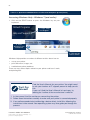
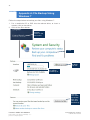
Accessing Windows Help - Windows 7 (and earlier)
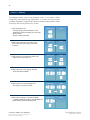
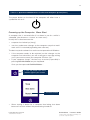
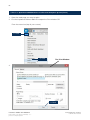
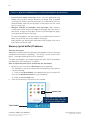
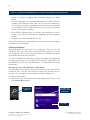
1. Click on the START button or press the Windows key on your
keyboard.
2. Click ‘Help
and Support’
3. Enter
‘printing’ in the
search bar
4. Click on the
search button
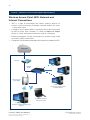
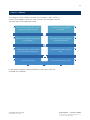
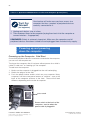
Windows Help provides a number of different articles about how to:
• set up your printer
• print document, images, etc
• troubleshoot printer problems
There are many other topics related to your printer and how it work,
and printing files.
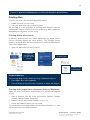
Try it For
Yourself
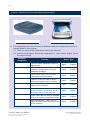
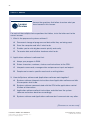
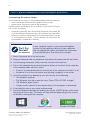
Find the User’s Manual for your printer. You might need
to ask your teacher or IT support person to help you do
this.
If you can’t find the User’s Manual in hard copy, try
looking for it online at the manufacturer’s website.
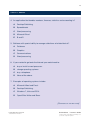
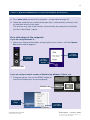
1. In the manual, find the section on connecting the printer.
2. Follow these instructions carefully to make sure your printer is connected properly.
3. If any software needs to be installed (eg a device driver), install this, following the
instructions in the manual. Your operating system may also guide you through this
process.
Learner’s Guide Unit 2780v7a
Demonstrate and apply knowledge of a
personal computer system
Instant Education Solutions
7a © ATC New Zealand