1
62
LESSON 5: Operation and Maintenance of a Personal Computer System (Part 2)
Basic troubleshooting for
printers
If your printer isn’t working properly there are a few simple things you
should check.
1. The hardware - power, cabling, etc.
2. The consumables - paper, ink toner/cartridge.
3. The software - printer driver or application.
4. The memory - print buffer.
Hardware Problems
Power
• Check to make sure the power is on.
• Then make sure that both the computer and the display are turned on.
Cabling
• Check all the cables to make sure they are plugged in properly.
• Many problems are caused by a loose or disconnected cable.
Not ready/Off line
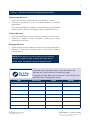
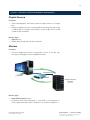
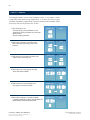
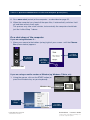
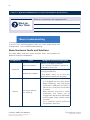
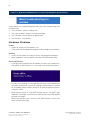
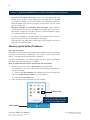
• If you get a message like the one below, it means you computer is
not online. In other words, it is not ready to receive data to print.
• Usually you would get a message like this because the printer has
not been switched on. Check all cabling is connected as it should
be (including power cables) and that all relevant power buttons/
switches are on.
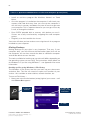
• Many printers have an “ON LINE” button and an “ON LINE” light
indicator. If the light is off then you need to press ON LINE before
printing can begin.
Some new printers don’t have an ON LINE button so you may
never see this message.
Learner’s Guide Unit 2780v7a
Demonstrate and apply knowledge of a
personal computer system
Instant Education Solutions
7a © ATC New Zealand