1
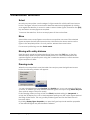
Outside cuts made with the 601/3001 automatically use the 90° head and therefore do
not have to be selected specifically.
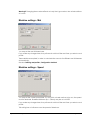
Rotation button
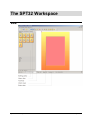
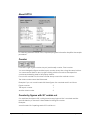
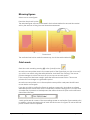
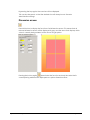
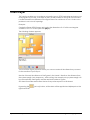
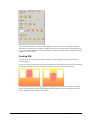
Using this function you can automatically rotate the figures to be created. This function
does not work on already existing figures. Contrary to the Rotate Figure function on the
toolbar, the rotation button rotates not only the figure but also the whole layout
(including the margin distance).
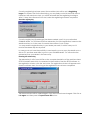
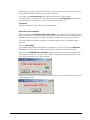
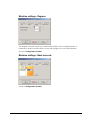
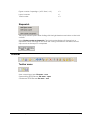
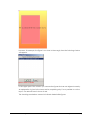
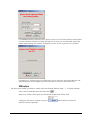
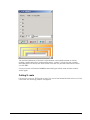
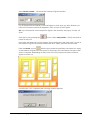
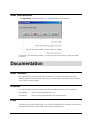
Press the arrow next to the [Rotate] button
and select one of the settings in the
pop up menu.
e.g.
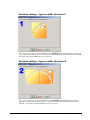
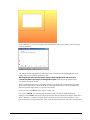
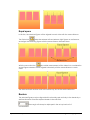
90° - the layout is rotated 90 degrees clockwise.
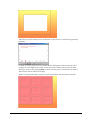
270° - the layout is rotated 90 degrees counter clockwise.
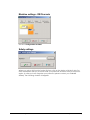
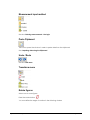
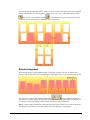
If you wish to rotate an existing figure, select the [Rotate figures] button.
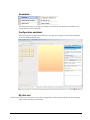
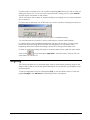
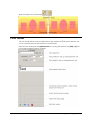
Control bar
56 • The SPT32 Workspace
Spt32 Version 5 Help