1
Chapter 5: Working with plexes
Selecting beads and analysis model
Introduction
This topic describes the process of adding beads to a plex and
selecting the analysis model.
Before you begin
If necessary, add beads to the bead library. When you first install
FCAP Array, the bead library is empty. For BD CBA reagents, we
recommend adding beads to the bead library by importing an
XML file. See Importing a bead group (page 107).
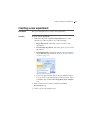
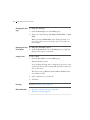
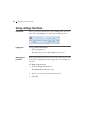
Selecting beads for To select beads for a plex:
a plex
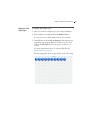
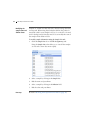
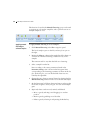
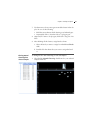
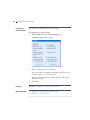
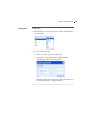
1. Click Beads and Model in the Plex navigation panel to define
the beads needed for your plex.
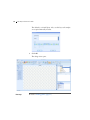
The Selected Beads panel opens.
51