1
Working with Windows® apps
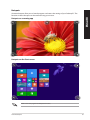
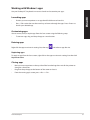
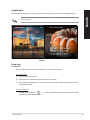
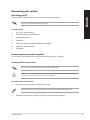
Use your Desktop PC’s keyboard or mouse to launch and customize your apps.
•
Position your mouse pointer on an app then left-click once to launch it.
•
Press <Tab> twice then use the arrow keys to browse through the apps. Press <Enter> to
launch your selected app.
ENGLISH
Launching apps
Customizing apps
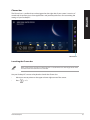
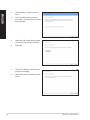
You can move, resize, or unpin apps from the Start screen using the following steps.
•
To move an app, drag and drop the app to a new location.
Resizing apps
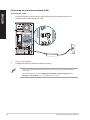
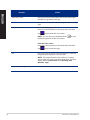
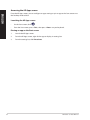
Right-click the app to activate its settings bar, then tap
and select an app tile size.
Unpinning apps
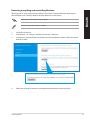
To unpin an app from the Start screen, right-click on the app to activate its settings bar then click
Unpin from Start.
Closing apps
•
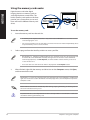
Move your mouse pointer on the top side of the launched app then wait for the pointer to
change to a hand icon.
•
Drag then drop the app to the bottom of the screen to close it.
•
From the running app’s screen, press <Alt> + <F4>.
ASUS Desktop PC
51