1
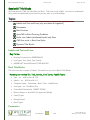
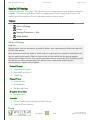
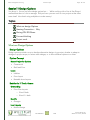
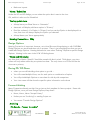
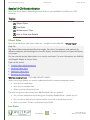
Revit Management Training Lecture Topics Page 21 / 60 Session04 Resource Family Content Folders Topics 3 m an d at o ry & 2 opt i on al C on t e n t F ol de r s I n -H ou s e C on t e n t E xt e rn al C on t e n t O pt i on al C on t e n t F o l de rs 3 Mandatory & 2 Optional Content Folders Breaking this down into in-house content and external content In-House Content Any content Company Standard Content Information o This content is COMPANY standard for all projects o Use Families from this folder when your project dictates o All Title Blocks and Annotation Families are stored here Permissions / Responsibility o This folder is READ ONLY o The CAD Manager is responsible for all content o ONLY approved content may be added to this Folder Location o DriveLetter:\Revit Building <ReleaseVersion>\ COMPANY Content Example: o R:\Revit Building 2009\Rockstar Content Project Specific Content Information o During the development of a project you will have to create some custom families this is the location for all content created for the project o Please follow Family creation guidelines when creating these families. o These Families DO NOT have to be perfect; we may only have to use them once. o If you need to pull a family from another project, DON’T Fall 2009 Revit 2010 Content Written by: William C. Harris, Oct-09