1
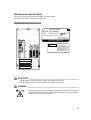
5 Connecting the Display,
Keyboard and Mouse Cables
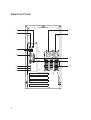
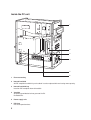
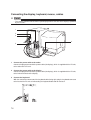
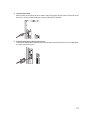
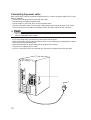
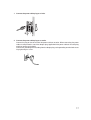
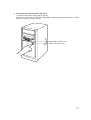
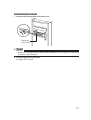
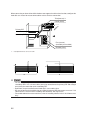
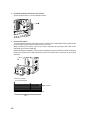
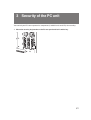
Connect the display, keyboard, and power cables to your PC unit.
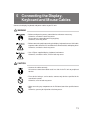
WARNING
• Before turning on the power, ground devices whenever necessary.
Otherwise, an electric shock may occur.
Do not connect a grounding wire to gas piping.
Otherwise, a fire may occur.
• Before connecting or disconnecting the display, keyboard, mouse, LAN cable,
or power cable, turn off the PC and all devices connected to it, and unplug them.
Otherwise, an electric shock may occur.
• Use a Fujitsu-supplied display, keyboard, and mouse.
Otherwise, an electric shock, a fire or fault may occur.
CAUTION
• Connect the cables correctly.
An incorrect connection could result in a fault in the PC unit or peripheral
devices.
• For a device having a service outlet, connect only devices specified in the
manual to the outlet.
Otherwise, a fire or fault may occur.
• When accessing any component on the PC board, touch the specified areas
only.
Otherwise, you may be injured or a fault may occur.
13