1
51
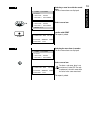
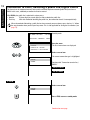
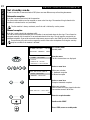
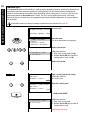
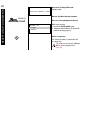
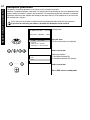
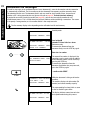
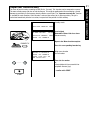
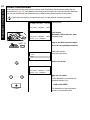
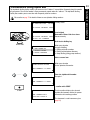
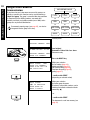
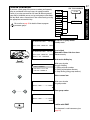
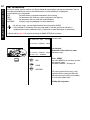
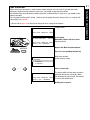
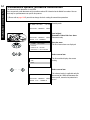
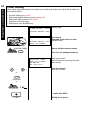
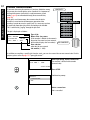
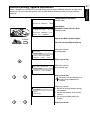
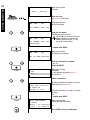
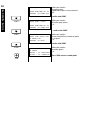
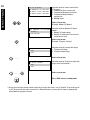
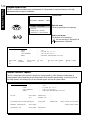
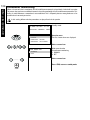
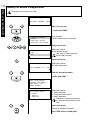
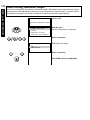
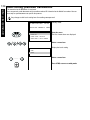
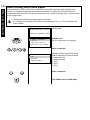
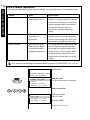
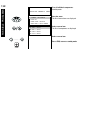
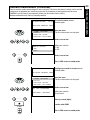
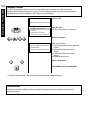
Set contrast
*) Please refer to page 124 if you wish to change the basic setting of the contrast.
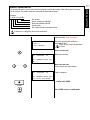
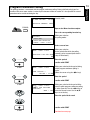
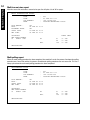
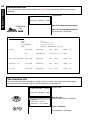
15-MAR-00 WED
19:56
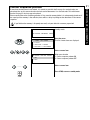
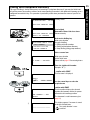
Standby mode
RESIDUAL MEMORY 100%
15-MAR-00 WED
19:56
RESIDUAL MEMORY 100%
ENTER TEL NUMBER
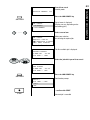
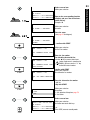
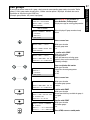
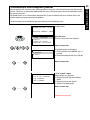
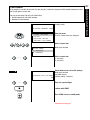
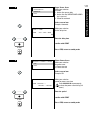
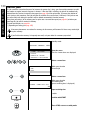
Load original
Remember: Printed side face down
Document ready
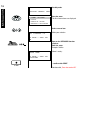
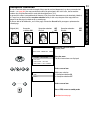
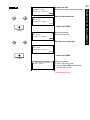
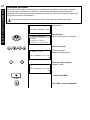
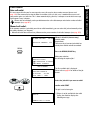
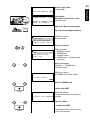
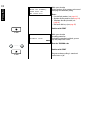
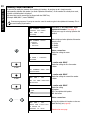
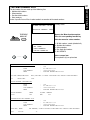
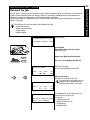
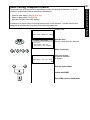
Operate the Menu function template
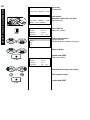
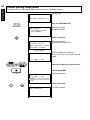
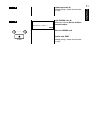
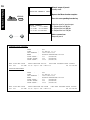
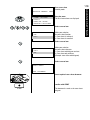
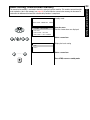
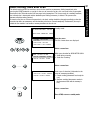
CONTRAST
Press the corresponding function key
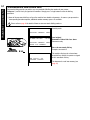
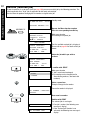
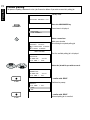
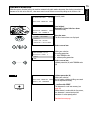
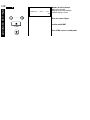
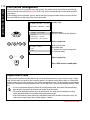
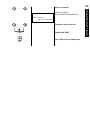
SET CONTRAST
1.NORMAL
2. DARKER
3. LIGHTER
.....
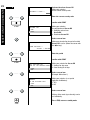
Make your selection
for the contrast setting
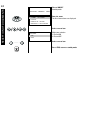
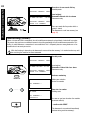
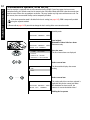
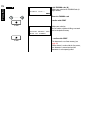
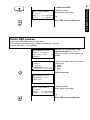
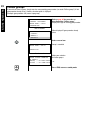
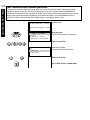
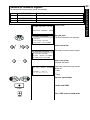
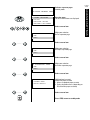
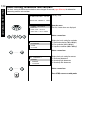
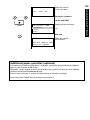
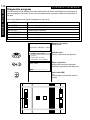
Select a menu item
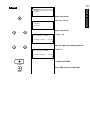
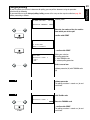
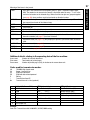
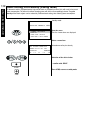
COMM RESERVATION
RESIDUAL MEMORY 100%
ENTER TEL. NUMBER
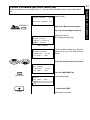
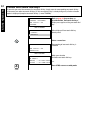
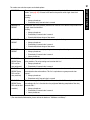
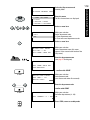
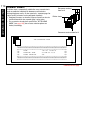
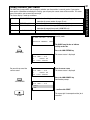
The setting which has now been selected is
applicable only for the current job. When
the document has been read in, the contrast
is reset to the default value.*
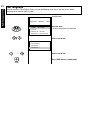
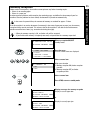
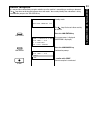
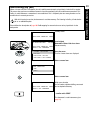
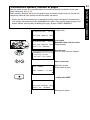
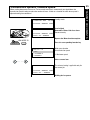
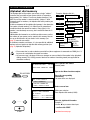
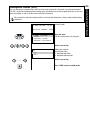
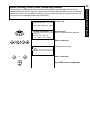
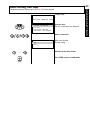
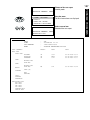
Dialling the fax partner
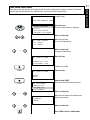
TRANSMIT DOCUMENTS
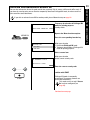
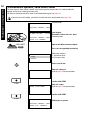
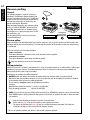
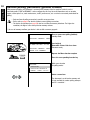
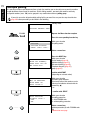
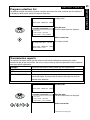
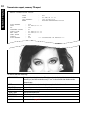
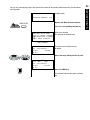
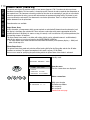
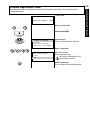
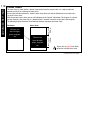
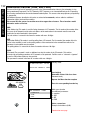
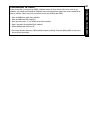
Where the print on documents is weak or where colour character sets are used, it is possible that some
characters might not be transmitted. In such cases, you should set the contrast to darker.
On the other hand, some documents contain characters in coloured fields. In such cases, you should set the
contrast to ligther.
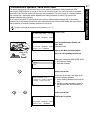
You can judge the effect of this setting - and thus also the quality of your fax transmission - by using the selfcopy facility (see page 35).