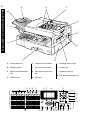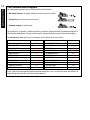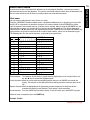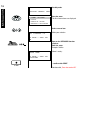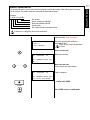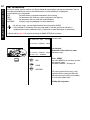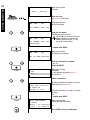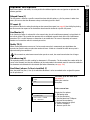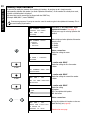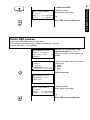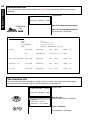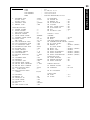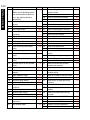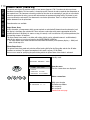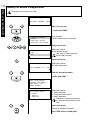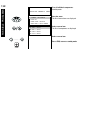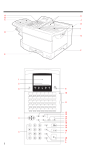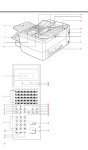
1
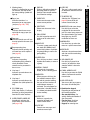
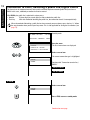
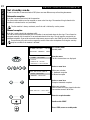
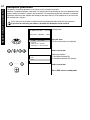
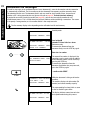
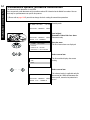
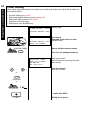
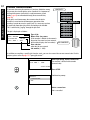
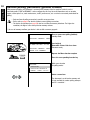
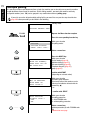
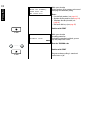
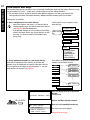
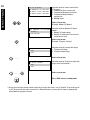
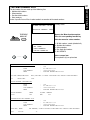
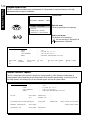
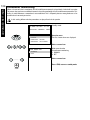
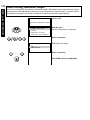
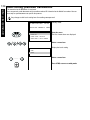
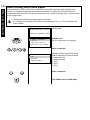
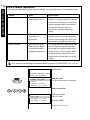
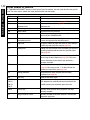
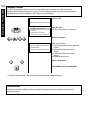
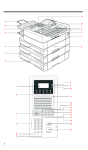
Paper jam:
Indicates that there is a
document jam or copy paper
jam (see page 146 / 148).
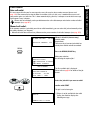
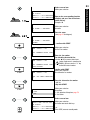
Paper out:
Indicates that the user must
replenish the copy paper (see
page 10).
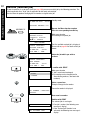
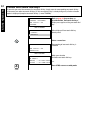
Toner out:
Indicates that the user will use
have to replenish the toner (see
page 8).
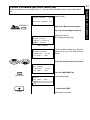
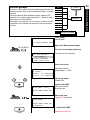
Drum operating time:
Indicates that the printing unit
will soon have to be replaced
(see page 9).
Alarm lamp:
Indicates an operating
malfunction which cannot be
clearly identified. Please
contact service personnel in
these cases.
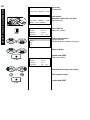
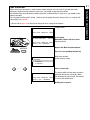
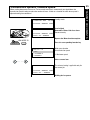
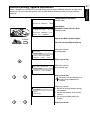
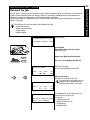
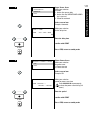
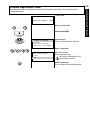
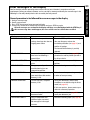
2 Line lamp 1
Indicates transmission on the
telephone line.
3 Line lamp 1
Indicates transmission on the
telephone line (with optional 2nd
line).
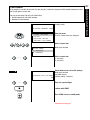
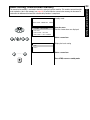
4 PC COMM lamp
If this lamp flashes, it indicates
that data are being transmitted
form the PC to the interface.
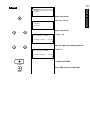
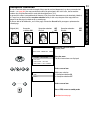
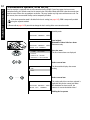
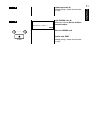
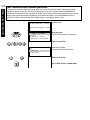
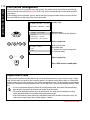
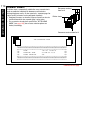
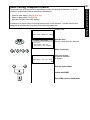
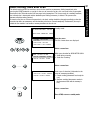
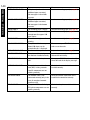
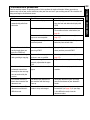
5 SUPER POWER SAVER KEY
Immediately activates the
Super Power Saver features
(see page 110).
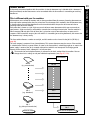
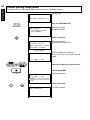
6 DISPLAY
Displays indications about the
operating modes of your fax
machine. Your control monitor
for all function settings.
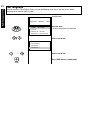
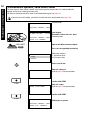
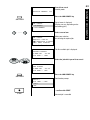
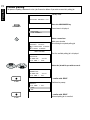
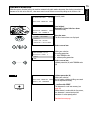
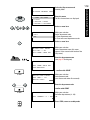
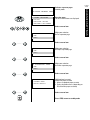
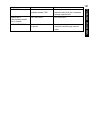
7 INSERT KEY
Inserts one character at the
current cursor position.
8 DELETE KEY
Deletes one character in the
display.
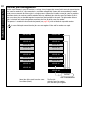
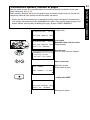
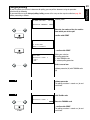
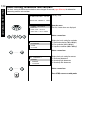
9 DIAL KEYPAD
Use this keypad to enter dial
numbers or to select menu
items.
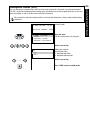
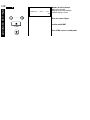
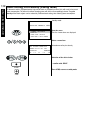
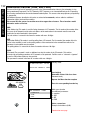
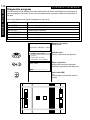
10 MULTI KEY
To create a group consisting of
one-touch dial, ABB dial and
manual dial numbers. Available
for group dialling as well as for
group polling.
11 SPEED DIAL
Press this key to select a stored
alphabet dial number, a name or
a group.
12 REDIAL / PAUSE
Activates the last number
dialled, inserts a dialling pause.
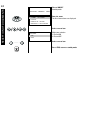
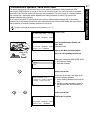
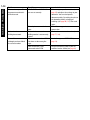
13 MONITOR
When you press this key, the
fax machine connects to the
line and the speaker enabling
the user to listen into the call
establishment attempt is
activated. The subsequent fax
connection is handled directly,
i.e. without job administration
via the memory.
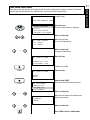
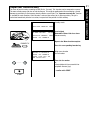
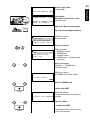
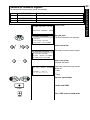
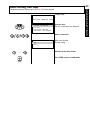
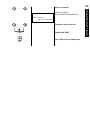
14 START KEY
Activates transmission,
reception (off-hook) and
selected menu items.
15 STOP KEY
Cancels error messages and
terminates menu input.
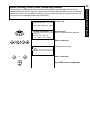
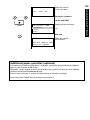
16 COPY KEY
The user is able to make copies
of documents which have been
inserted.
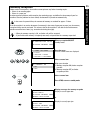
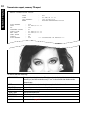
17 TX-REPORT KEY
Switches the TX Report (see
page 89) on or off for the
current transmission job.
18 MODE KEY, with status lamps
Use this key to select the
resolution for the current fax
job. The status lamps represent
the selected mode. If no status
lamp lights up, the STD
resolution has been set.
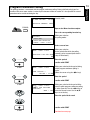
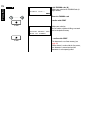
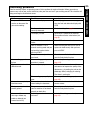
19 MENU-KEYS
Use these keys to select the
menu or a specific menu item.
20 ENTER KEY
Activates selected menu items
and also used for terminating
data input.
21 JOB CANCEL KEY
Use this key if you wish to
cancel a job which has been
stored or which is due to be
handled.
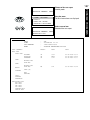
22 E-MAIL ADDRESS KEY
Use this key to enter the E-Mail
address for Internet-based fax
transmission.
23 JOB STATUS KEY
You can use this key to query
the status of individual jobs.
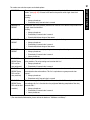
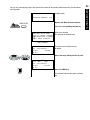
24 Combination keypad
Depending on the position of
the function template:
• One-touch dial keys, for
quickly dialling the number of
your fax partner
• Function keys, for direct
access to fax functions
• Keypad, for entering text.
5
WELCOME TO YOUR FAX MACHINE
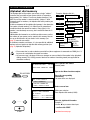
1 Warning lamps
If there is a malfunction on your
fax machine, the lamp under
the corresponding symbol will
light up.