1
3 • Operation and Maintenance
NOTE
The temperature set point is activated immediately
after the method is loaded (before you press Start). If
the current oven temperature is less than the set point,
the oven begins heating.
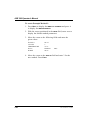
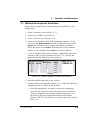
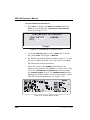
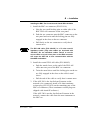
8. Press Start to begin the run. If the oven has not reached the
set point, there is a delay while the oven heats up or cools
down. During this time, the STATUS screen displays OVEN
WAIT.
When the oven is within 5 °C of the set point, the cell
and bottle trays rotate to the first positions and the
ASE 300 begins running the first sample. During Method
control, the ASE 300 runs samples sequentially until it
reaches an empty cell or bottle slot or, if the trays are full,
until all samples have been run and the trays are back at
positions 1. See Section 2.2 for details about the
extraction process.
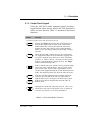
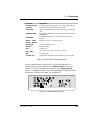
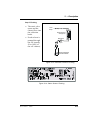
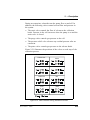
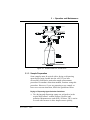
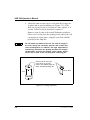
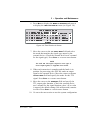
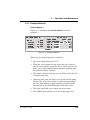
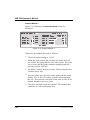
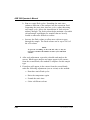
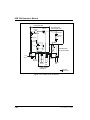
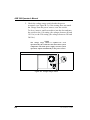
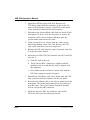
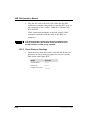
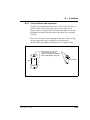
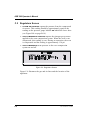
During the run, the status of operating parameters is
updated on the CURRENT STATUS screen. After a set time
(the default is 20 minutes), and if no keypad buttons have
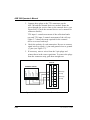
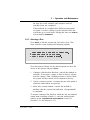
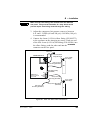
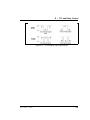
been pressed, an alternate status screen is displayed (see
Figure 3-19). To return to the CURRENT STATUS screen,
press any button on the front panel keypad.
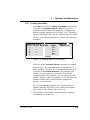
B TTL
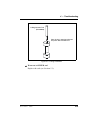
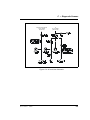
Figure 3-19. Alternate Status Screen
NOTE
To change the time delay for displaying the alternate
status screen, or to disable the screen, see Section B.3.
Doc. 031672-01 4/2000
3-41