1
K-Limbic Developers Guide
Tutorial Guide
44
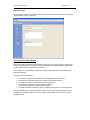
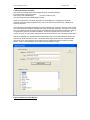
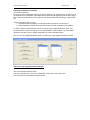
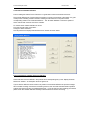
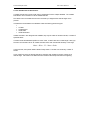
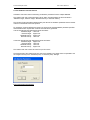
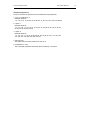
Click on the “Build Test Suite” button.
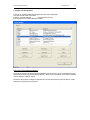
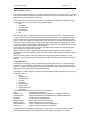
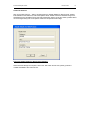
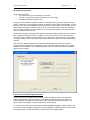
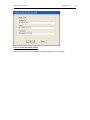
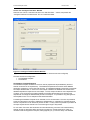
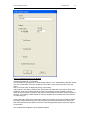
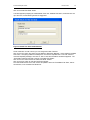
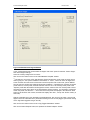
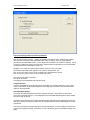
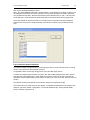
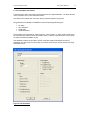
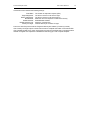
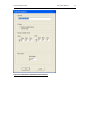
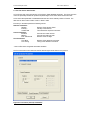
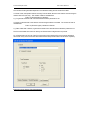
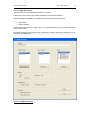
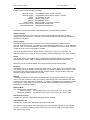
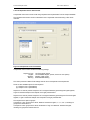
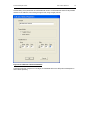
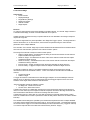
A window appears prompting for header details of the new “Installed Test Suite”, the entries here are
up to the user, but the following entries are suggested:
Figure 3.19 New Test Suite Details Window
These values are not cast in stone; you can change them later if desired.
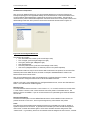
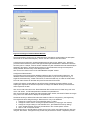
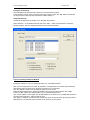
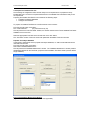
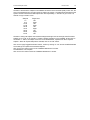
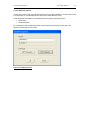
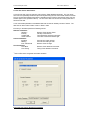
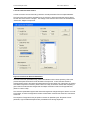
Click on the “OK” button, this opens what is called the “Repository Manager”, which builds the Installed
Test Suite. If everything builds successfully then no errors are reported: click on the “OK” button to
close the Repository Manager, then click on “OK” to close the information window that appears. The
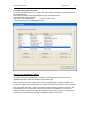
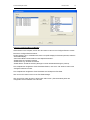
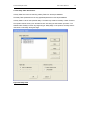
“Fixed Ratio Test Suite” appears in the list of “Installed Test Suites”.
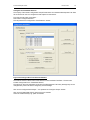
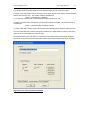
Click on the “OK” button to close the “Build Test Suite” window.
Click on the “Exit” button to close the Test Suite manager.
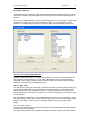
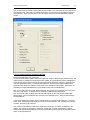
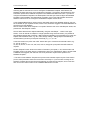
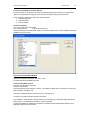
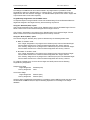
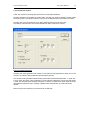
The User Details section of the main screen will update to show the “Fixed Ratio Test Suite”, with its
two sessions, in the “Installed Test Suites” list.