1
Application functions
8
6
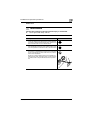
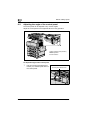
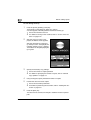
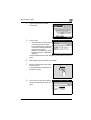
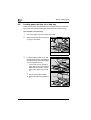
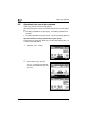
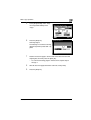
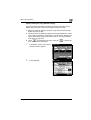
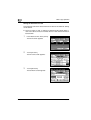
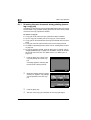
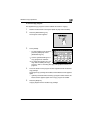
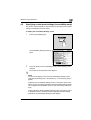
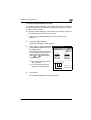
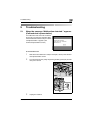
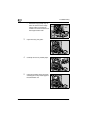
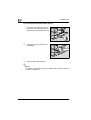
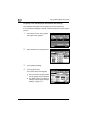
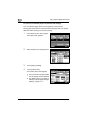
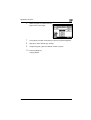
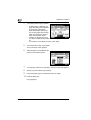
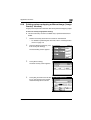
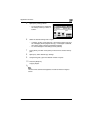
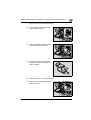
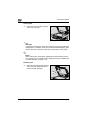
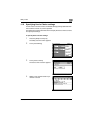
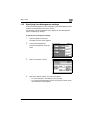
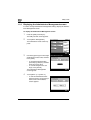
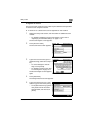
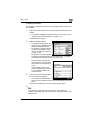
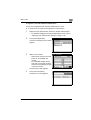
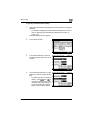
Select the paper tray loaded with the
paper for the cover pages.
7
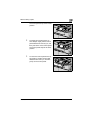
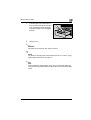
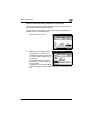
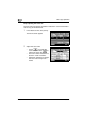
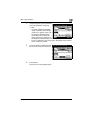
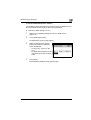
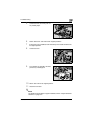
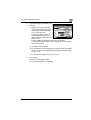
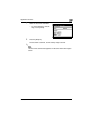
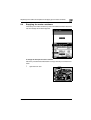
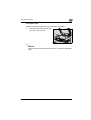
Touch [Enter], and then touch [Enter] in the next screen that appears.
8
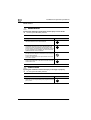
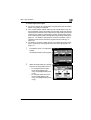
Specify any other desired copy settings.
9
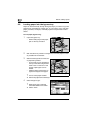
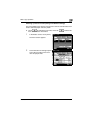
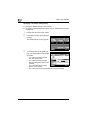
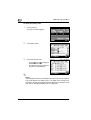
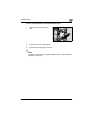
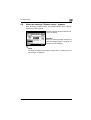
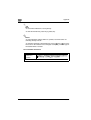
Using the keypad, type in the desired number of copies.
10
Press the [Start] key.
Copying begins.
250/350
8-5