1
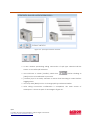
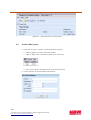
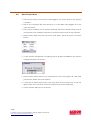
Figure 2.1 : Main interface of Interceptor
2.2
Create a New Project
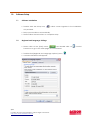
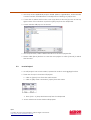
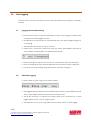
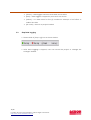
➢ There are 3 ways to create a new Interceptor project:
➢ Click at [New] icon from the main screen
➢ Click at [File] menu and select [New] from the menu
➢ Press [Ctrl + N] keys simultaneously from the keyboard
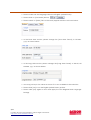
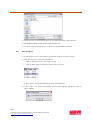
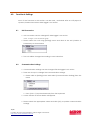
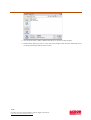
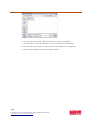
➢ A new window as shown below will appear.
7/19
For help and support information, please login to E-Service.
http://www.acson-international.com/