1
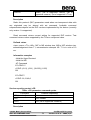
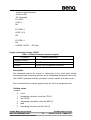
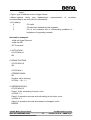
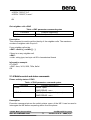
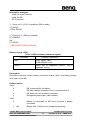
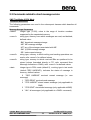
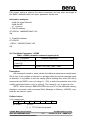
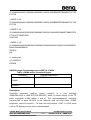
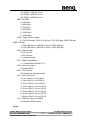
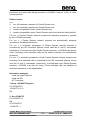
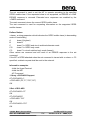
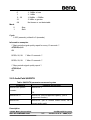
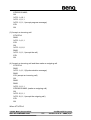
-AT Command
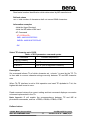
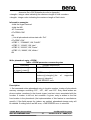
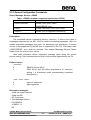
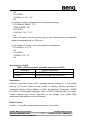
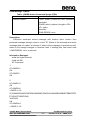
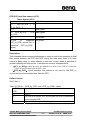
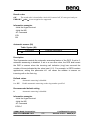
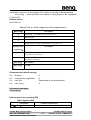
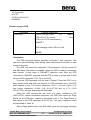
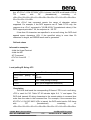
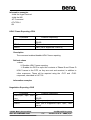
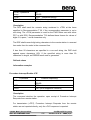
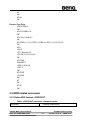
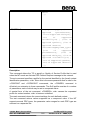
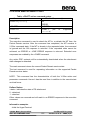
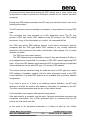
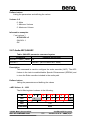
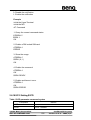
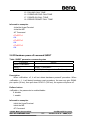
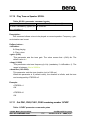
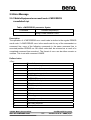
AT+FDT
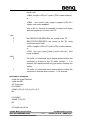
+FCS:0,3,0,0,0,0,2,0
CONNECT
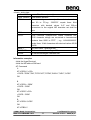
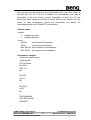
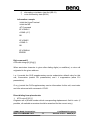
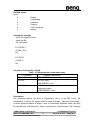
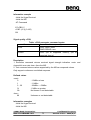
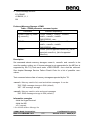
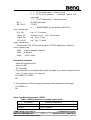
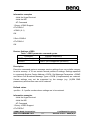
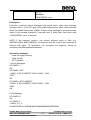
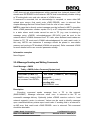
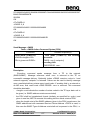
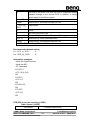
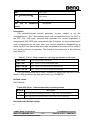
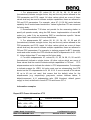
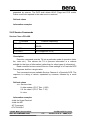
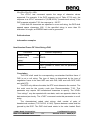
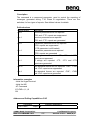
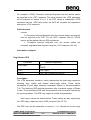
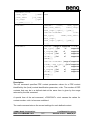
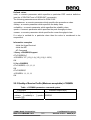
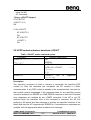
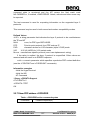
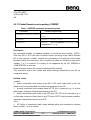
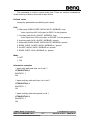
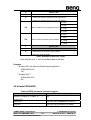
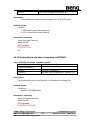
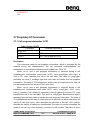
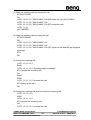
Receive a page +FDR
Command
+FDR<CR>
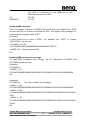
Possible response(s)
<CR><LF>+FNC:<NSC
FIF
[<CR><LF>+FTI:<remote
[<CR><LF>+FCS:<parameters>]
CONNECT
data>]
ID>]
+FHS:<hangup code><CR><LF>OK
ERROR
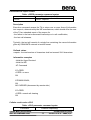
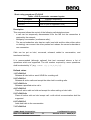
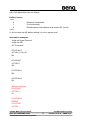
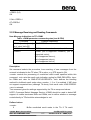
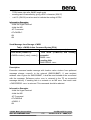
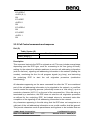
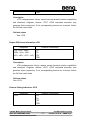
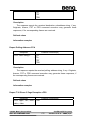
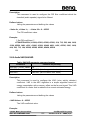
Description
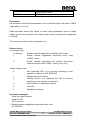
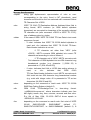
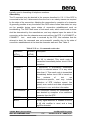
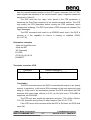
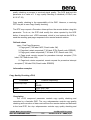
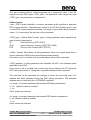
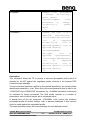
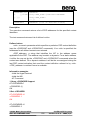
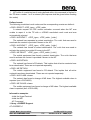
The FDR command initiates transition to Phase C data reception. This
can occur after answering, after dialling, after a document is received, or after
a page is received.
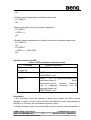
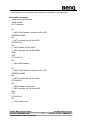
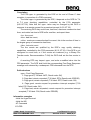
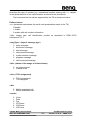
The DCE may report the negotiated T.30 parameters, with the remote ID
and NSS frame information if available. When the DCE is ready to commence
data transfer, it shall issue a CONNECT response code. After the DTE
receives the CONNECT response and the DTE is ready to accept data, it shall
issue a <DC2> character (T.50 1/2) to the DCE.
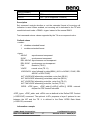
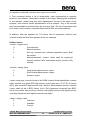
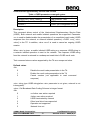
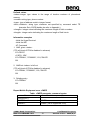
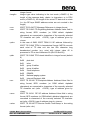
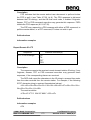
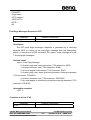
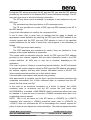
From the FDR command until the end of Phase C Data, the DCE is in a
data transfer state and shall not respond to DTE command lines. The DCE
shall respond to four T.50 control characters: <DC1> (1/1) and <DC3> (1/3)
flow control characters, <CAN> (1/8) (8.3.4.6/T.32) and to <"?"> (3/15)
(8.3.4.7/T.32); all other characters are discarded.
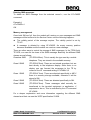
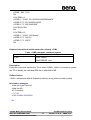
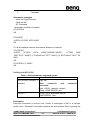
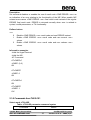
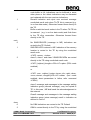
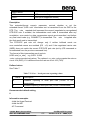
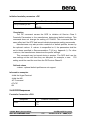
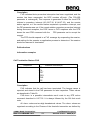
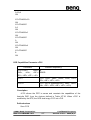
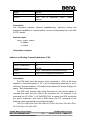
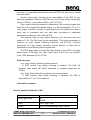
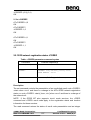
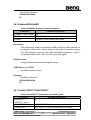
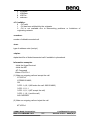
When the DCE delivers the last octet of a page, indicated by the
<DLE><ETX> stream termination sequence, the DCE shall report the Page
Status via the FPS:<ppr> response, described in 8.4.3. The Page Status is
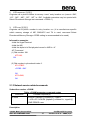
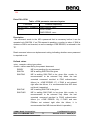
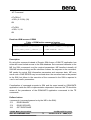
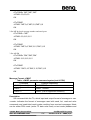
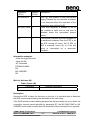
also stored in the FPS parameter (8.5.2.2/T.32). The <ppr> response codes
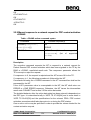
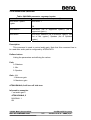
are described in Table 18.
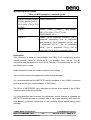
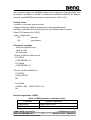
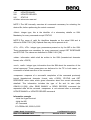
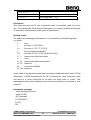
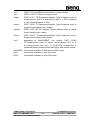
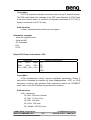
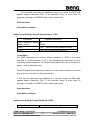
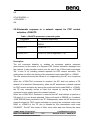
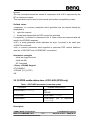
After a Page Status report, the DCE shall report the post page message
©2004 BenQ Corporation.
M22 AT COMMAND LIST
Confidential Property
166
Version: 0.3.0 – 2004/6/9