1
4.6 A/V Streaming via Network
You can stream the media files shared on the home network (Ethernet or WLAN). Please refer
to ’3.3 Changing Network Settings’ for details about network settings.
There are two ways to locate media files shared on your local network in the Network menu.
One is to browse through Workgroup; the other way is to browse through ‘My_Shortcuts’.
4.6.1 Browsing through Workgroup
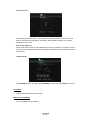
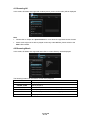
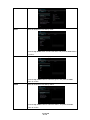
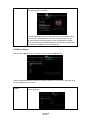
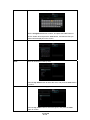
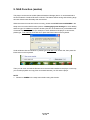
You can choose the workgroup which your PC belongs to from the workgroup list, find your PC
name, and press the ENTER button to confirm. Then you can select and play the shared
media files that you want to browse.
Note:
•
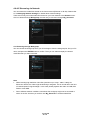
While browsing high definition video files (resolution up to 720p / 1080i / 1080p) via
Ethernet or WLAN, the video might be buffering or stagnate. This is normal due to the limit
of network speed or signal strength. In this case please playback the video via USB, DVD
ROM or Local HDD.
•
Due to different network conditions, sometimes the workgroup might not be accessed or
shown in the list. And then you need to use ‘My_Shortcuts’ to browse shared files.
ENGLISH
28 / 54