1
Remote access
Control your Response 85 from
another telephone using a
Touchtone™ keypad.
You can turn your
Response 85 answering
machine on and off,
and listen to your
messages from any
Touchtone™ telephone.
To protect your
privacy, messages can
only be accessed by
keying in a 2 digit
security code.
The break in code is
the ✱ button. Your
security code is pre-set
11, but if you wish you
can change it.
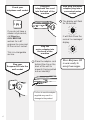
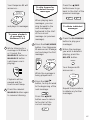
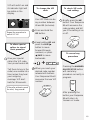
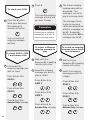
3 When you reach the
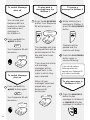
To check your
security code
desired number,
release both buttons.
Press the CODE button.
Your current security
code will be announced.
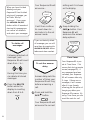
Your response 85 will
announce your new
security code number.
This code cannot be
changed remotely.
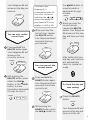
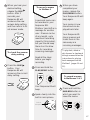
To check for
messages in
Mailbox 1
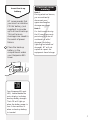
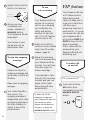
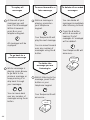
To change your
security code
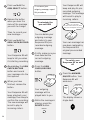
1 Press and hold the
CODE button.
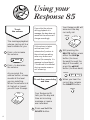
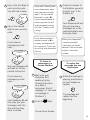
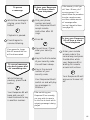
1 Dial your phone
number and wait.
2 When you hear your
2 Keep holding the
CODE button and
press either the SKIP
䊳 or 䊴 SKIP buttons
to skip forwards and
backwards through
the numbers.
+
20
Skip
Skip
outgoing message
press ✱ on your phone.
✱
Your Response 85
announces ‘Please
enter your security
code’.