1
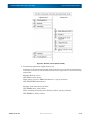
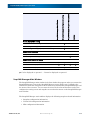
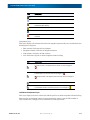
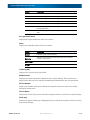
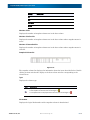
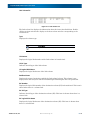
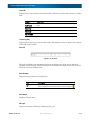
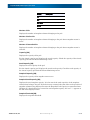
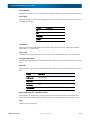
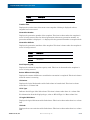
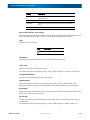
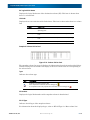
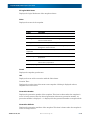
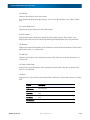
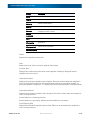
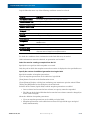
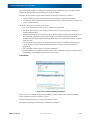
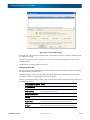
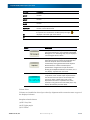
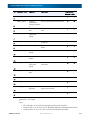
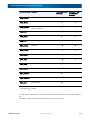
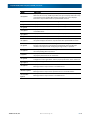
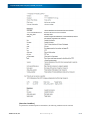
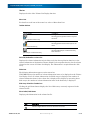
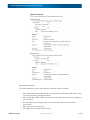
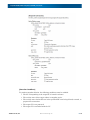
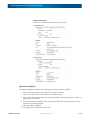
SnapSAN S3000/S5000 Snapshot User Guide Display Description FC Indicates an FC disk. ATA Indicates an ATA disk. SAS (SED) Indicates a SAS (SED) disk. NLSAS Indicates an NLSAS disk. Number of SVs Displays the number of snapshot-volumes belonging to the pool. Number of Active SVs Displays the number of snapshot-volumes belonging to the pool whose snapshot status is active. Number of Cancelled SVs Displays the number of snapshot-volumes belonging to the pool whose snapshot status is released. Capacity [GB] Displays the capacity of the pool. For the virtual capacity pool, displays the actual capacity. Check the capacity of the virtual capacity pool from the Status Monitoring screen. Used Capacity [GB] Displays the used capacity of the pool. For the virtual capacity pool, displays the actual used capacity. Check the used capacity of the virtual capacity pool from the Status Monitoring screen. Snapshot Capacity [GB] Displays the capacity of the snapshot reserve area. Snapshot Used Capacity [GB] Displays the used snapshot capacity. It is the sum of the used capacities of the snapshotvolumes that belong to the pool. Note that it may not match the sum of the used capacities of snapshot-volumes being displayed because the Snapshot Used Capacity is represented in 0.1 GB units. If a threshold excess occurred in used snapshot capacity, the icon " * " appears at the left of the displayed value. Snapshot Threshold [GB] Displays the snapshot threshold. 10400422-002 02/2013 ©2013 Overland Storage, Inc. 5-16