1
Online Documentation in HTML Help Format
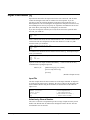
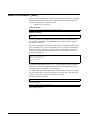
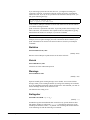
The Suprtool user manuals and change notice are available in HTML Help format.
Support for compiled HTML help (CHM files) is built into recent versions of
Windows.
Help Command
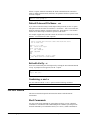
The user manual is also available to the on-line Suprlink user through the Help
command. For instructions, try:
$help help
Notation
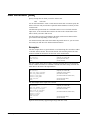
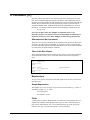
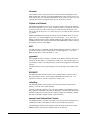
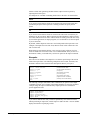
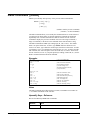
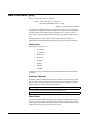
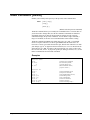
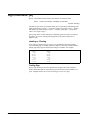
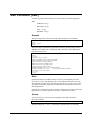
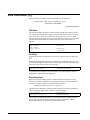
The STExport documentation uses a common notation in describing all commands.
Here is a sample command definition:
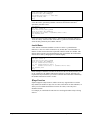
LISTREDO [ start [ / stop ] ] | [ ALL ] | [ string ]
1.
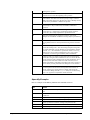
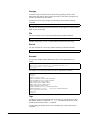
UPPERCASE LETTERS are required elements in the command, and
must be typed exactly as they appear.
Example: ALL
2.
Highlighted lowercase letters, underlined or italic, are "variables" to be
filled in by the user. In the help file, underlining and italics are not
available and variables will appear simply in lowercase.
Example: start
3.
[] - Brackets enclose optional fields.
Example: [ string ]
4.
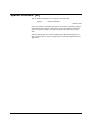
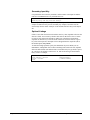
{} - Braces enclose comments in examples. Braces are allowed for
comments in actual STExport commands.
Example: $Floating fixed 2 {Floating option}
5.
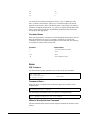
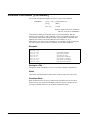
| - Up lines separate alternatives from which you will select.
Sometimes, the alternatives are shown listed on several lines.
Example: [ ALL ] | [ string ]
6.
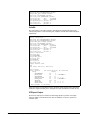
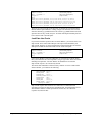
In examples, there is an implied carriage return at the end of each line.
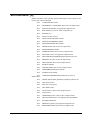
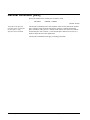
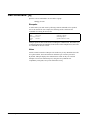
Installing STExport
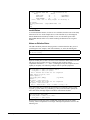
STExport is installed as part of the Suprtool installation process. See the "Installing
Suprtool" chapter of the Suprtool User Manual for more details on how to install
both Suprtool and STExport.
182 • Welcome to STExport
Suprtool 4.5 for HP-UX User Manual