1
Basic Operation
Web Interface
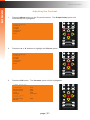
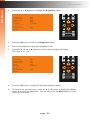
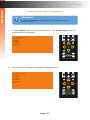
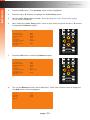
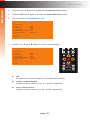
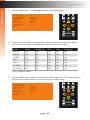
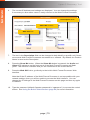
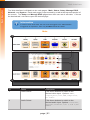
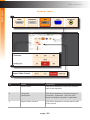
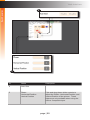
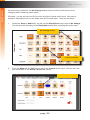
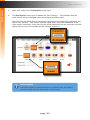
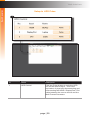
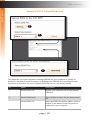
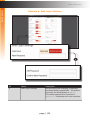
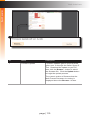
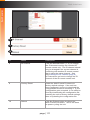
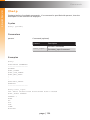
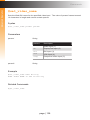
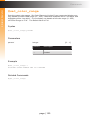
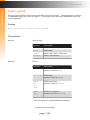
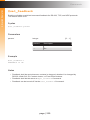
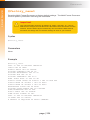
Manage EDID ► EDID Copy
1
2
3
ID
Name
Description
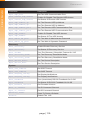
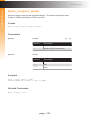
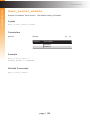
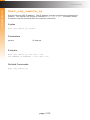
1
Select EDID to Copy
Click on the device you want to copy
the EDID from. This can be an Output
(Display), an EDID saved at an Input
location, or one of the Storage Locations.
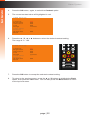
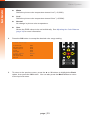
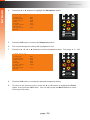
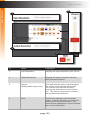
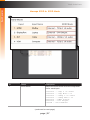
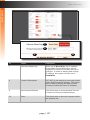
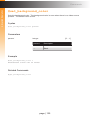
2
Select Copy Destination
Select the Destination for the copied EDID.
This can be an Input (in “Custom EDID”
Mode only) or a Storage Location.
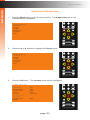
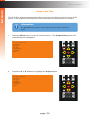
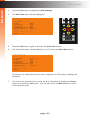
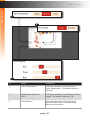
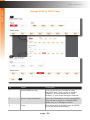
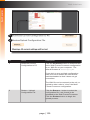
3
Copy
Click this button to actually copy the EDID
file to the selected location(s).
page | 98