1
GEN-EID V1.2.2 USER MANUAL
Reading cards and writing data
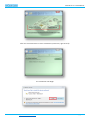
Launch the application.
-
“Gen-eID x86.exe” is the 32-bit version
“Gen-eID x86.exe” is the 64-bit version
The application will detect all smart card readers that are connected to the system and monitor them. In case you
have multiple readers, it does not matter which one you use to read the card.
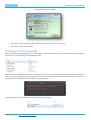
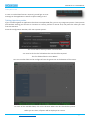
All detected terminals will be displayed in the application log window:
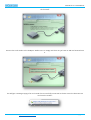
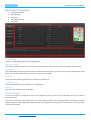
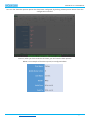
Insert an eID card. It will be read automatically, and the data will be displayed.
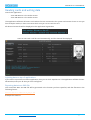
Injecting data on top of applications
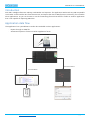
If you want to inject data in another application, then you can click “Populate UI”. The application will hide the GeneID window, and inject all data you have configured.
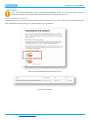
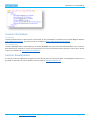
Exporting data to an XML file
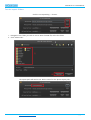
Click “Generate XML”. An XML file will be generated in the location you have specified, with the filename in the
following format:
GEN-EID EXPORT DD-MM-YYYY HH_MM_SS.XML
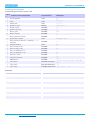
Example file contents:
enCode Labs BVBA – http://www.encodelabs.be
pg. 13/14