1
GEN-EID V1.2.2 USER MANUAL
Installation
If you are using a USB reader: before starting the installation, make sure the card reader is not yet
connected to the PC. The software will install the drivers for reading the eID card.
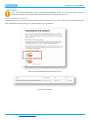
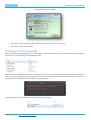
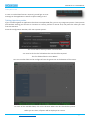
Download the eID driver
The eID driver can be found inside the third party folder of the source, or on the web from the following location:
http://eid.belgium.be/en/using_your_eid/installing_the_eid_software/
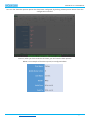
Click on the Windows EXE and download to disk.
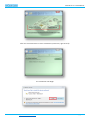
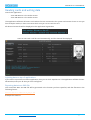
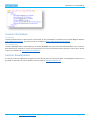
Open the application
enCode Labs BVBA – http://www.encodelabs.be
pg. 3/14