1
02
4 MID Screen Rotation
Part
Become friend’s with Hovis Genie
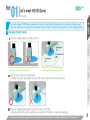
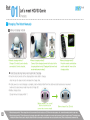
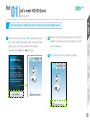
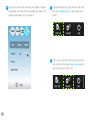
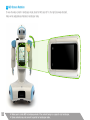
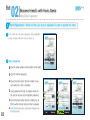
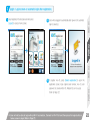
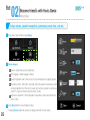
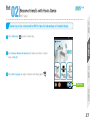
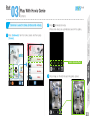
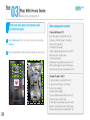
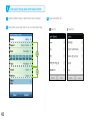
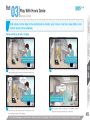
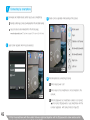
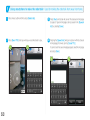
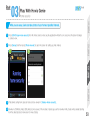
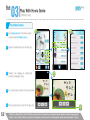
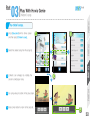
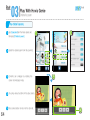
To view the video content in landscape mode, rotate the MID case 90˚to the right (clockwise direction).
Video will be adjusted automatically to landscape mode.
18
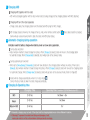
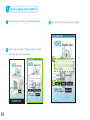
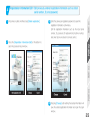
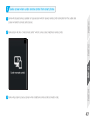
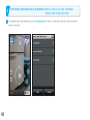
※ Make sure to rotate MID to landscape mode if the content being run supports only landscape.
※ Some contents may not convert to portrait or landscape mode.