1
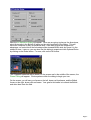
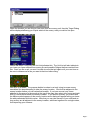
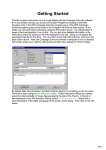
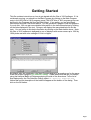
Next, the A/I Selection Dialog will appear. Since we are going to play as the Americans,
select Automatic in the British A/I group on the right hand side of the dialog. This will
cause the computer to play as the British side. If we want to give the computer an
advantage, we could move the Advantage slider towards British side, but leave it in the
middle for now. Later on, you can also use this dialog to experiment with Optional Rules
by clicking on the Rules button. For now, click on the OK button.
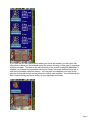
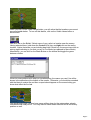
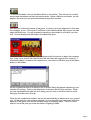
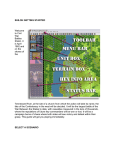
The Chippawa battlefield will be drawn on the screen and in the middle of the screen, the
Phase Dialog will appear. Click anywhere within the dialog to begin your turn.
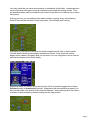
On the screen, you will see your forces on the left, drawn on blue bases, and the British
forces on the right, drawn with red bases. Your goal in this battle is to attack the British
and drive them from the field.
Page 2