1
04 Comfort and driving pleasure
Trip computer
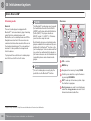
General
Functions
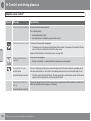
NOTE
If a warning message appears when the trip
computer is used then the message must
first be acknowledged before the trip computer can be reactivated. Acknowledge the
warning message by pressing READ.
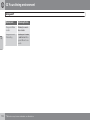
To change unit for distance and speed - go to
MY CAR Settings System options
Distance and fuel unit, see page 148.
04
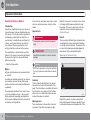
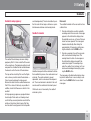
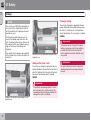
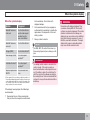
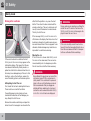
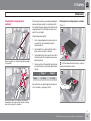
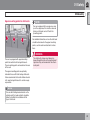
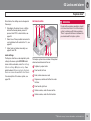
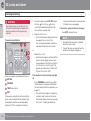
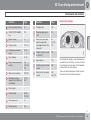
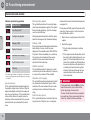
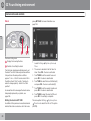
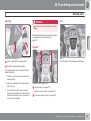
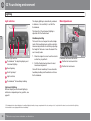
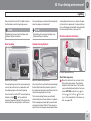
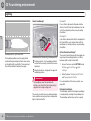
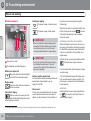
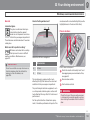
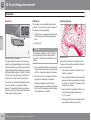
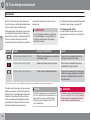
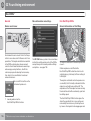
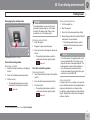
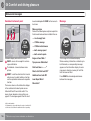
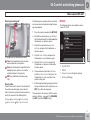
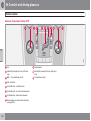
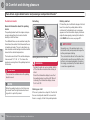
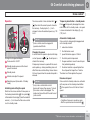
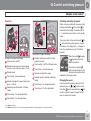
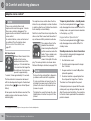
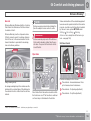
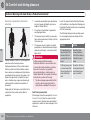
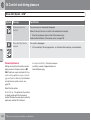
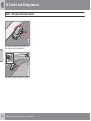
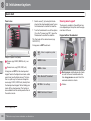
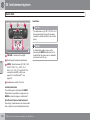
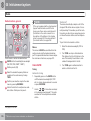
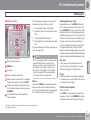
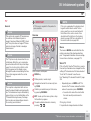
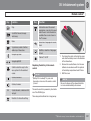
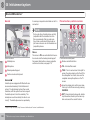
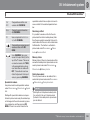
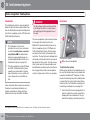
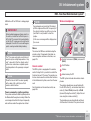
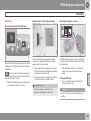
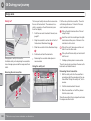
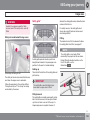
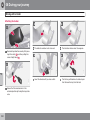
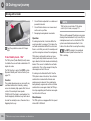
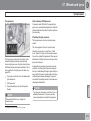
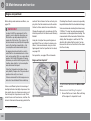
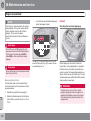
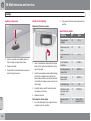
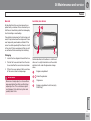
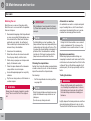
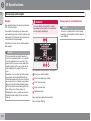
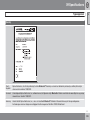
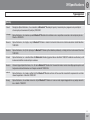
Information display and controls.
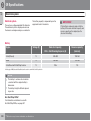
READ - confirms.
Thumbwheel – browse between menus
and options in the trip computer list.
RESET – resets.
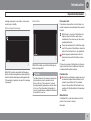
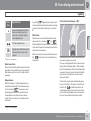
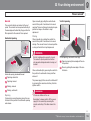
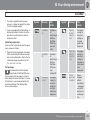
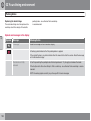
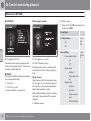
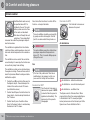
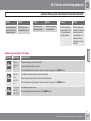
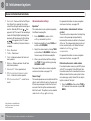
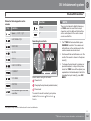
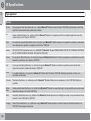
The trip computer's menu is in a variable loop.
One of the menu options is a blank display - it
also marks the beginning/end of the loop.
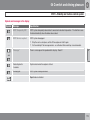
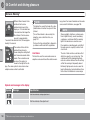
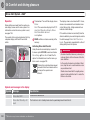
Average speed
Average speed is calculated from the last
resetting. Reset using RESET.
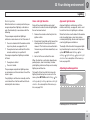
Instantaneous
Current fuel consumption is calculated every
second. The information on the display is
updated every couple of seconds. When the
car is stationary, "----" appears on the display.
Average
Average fuel consumption is calculated from
the last resetting. Reset using RESET.
NOTE
There may be a slight error in the reading if
a fuel-driven supplementary and/or parking
heater* has been used.
Km to empty tank
The calculation is based on the average fuel
consumption over the last 30 km and the
remaining driveable fuel quantity. The display
shows the approximate distance that can be
driven with the fuel quantity remaining in the
tank.
An economic driving style generally results in a
longer driving distance. For more information
on how fuel consumption can be influenced,
see page 13.
No guaranteed range remains when the display
shows "---- km to empty tank". Refuel as
soon as possible.
NOTE
There may be a slight error in the reading if
the driving style has been changed.
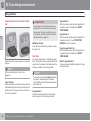
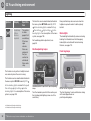
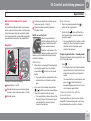
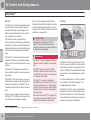
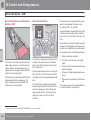
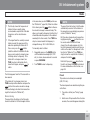
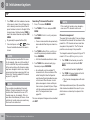
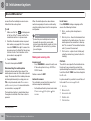
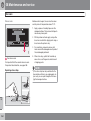
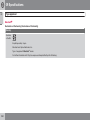
Resetting
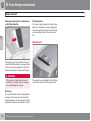
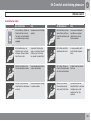
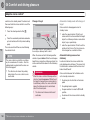
1. Select --- km/h average speed or --.- l/
100km average.
170
* Option/accessory, for more information, see Introduction.