1
05 Infotainment system
General infotainment functions
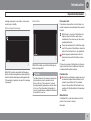
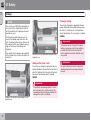
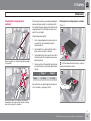
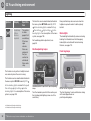
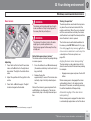
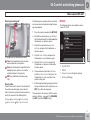
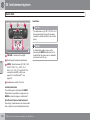
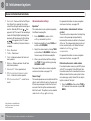
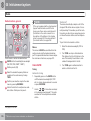
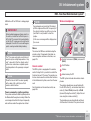
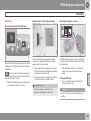
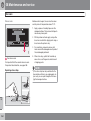
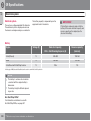
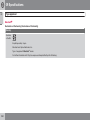
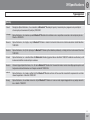
2. Press OK/MENU and then turn TUNE to
AUX input volume. Confirm with OK/
MENU.
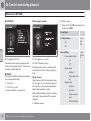
able to adapt the sound reproduction according to personal taste.
3. Turn TUNE to adjust the volume for the
AUX input.
NOTE
If the external audio source's volume is too
high or too low, the quality of the sound may
deteriorate. The audio quality may also be
impaired if the player is charged while the
infotainment system is in AUX mode. In
which case, avoid charging the player via
the 12 V socket.
05
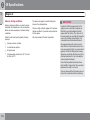
Optimum sound reproduction
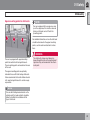
The audio system is pre-calibrated for optimum sound reproduction by means of digital
signal processing.
This calibration takes into account loudspeakers, amplifiers, passenger compartment
acoustics, listener position etc. for each combination of car model and audio system.
There is a also a dynamic calibration that takes
into account the position of the volume control,
radio reception and vehicle speed.
The controls explained in these operating
instructions, e.g. Bass, Treble and
Equalizer, are only intended for the user to be
235