1
[email protected]
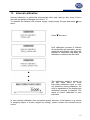
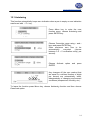
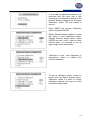
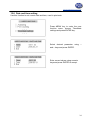
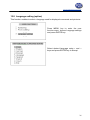
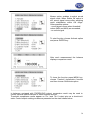
Press MENU key to enter the user
function menu, choose Print settings
and press ENTER key.
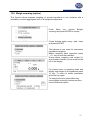
Select desired parameter using ∨
and ∧ keys and press ENTER key to
change setting.
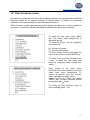
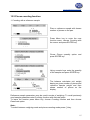
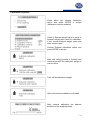
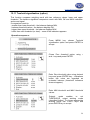
Header - the entrance to the printout header definition menu; the checkbox sign
indicates if at least one option in the header definition menu is marked.
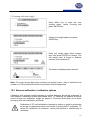
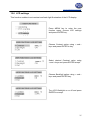
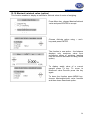
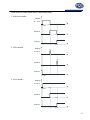
Header definition menu
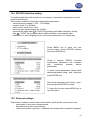
Relevant element is marked/unmarked
if ENTER key is pressed. The marked
element will appear in a printout
header if the Header element in
values definition menu is marked.
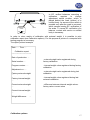
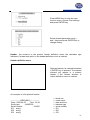
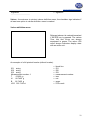
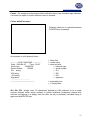
An example of a full printout header:
--------------- WEIGHING --------------Date : 2000-04-25
Time : 22:32
Scale type
: AGNZ200
Serial number
: 123456
ID1 string
ID2 string
ID3 string
← blank line
← mode name
← date and time
← balance type
← serial number
← ID1
← ID2
← ID3
21