1
User Manual of Digital Video Recorder
7. Playback management.
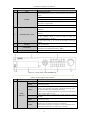
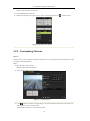
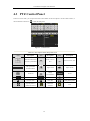
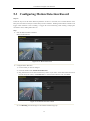
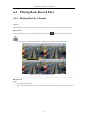
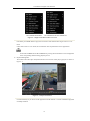
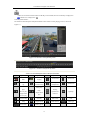
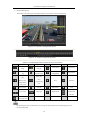
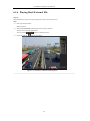
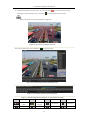
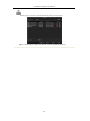
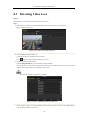
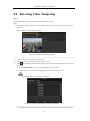
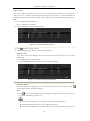
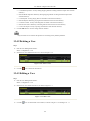
The toolbar in the bottom part of Playback interface can be used to control playing process.
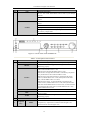
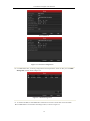
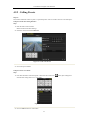
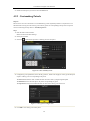
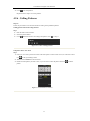
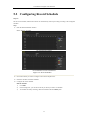
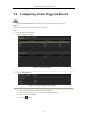
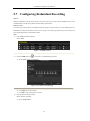
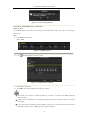
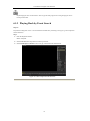
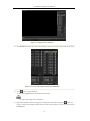
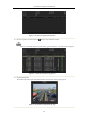
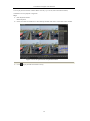
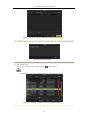
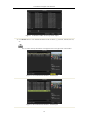
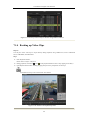
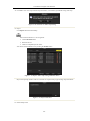
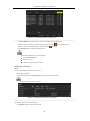
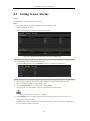
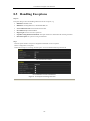
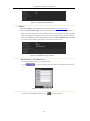
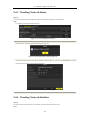
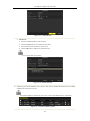
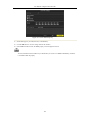
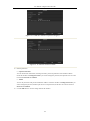
Figure 6. 11 Interface of Playback by Event
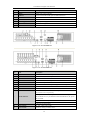
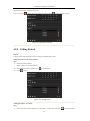
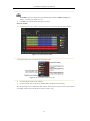
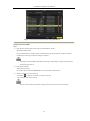
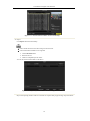
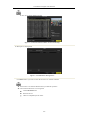
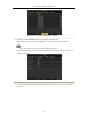
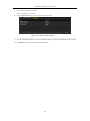
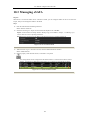
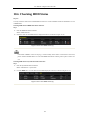
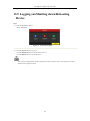
Figure 6. 12 Toolbar of Playback by Event
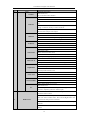
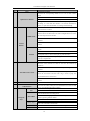
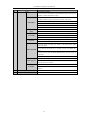
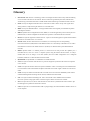
Table 6. 3 Detailed Explanation of Playback-by-event Toolbar
Button
Operation
Button
Audio on/
/
Mute
tag
Pause reverse
Single-frame
reverse play
Previous day
Operation
Button
30s forward
clipping
Add
Tag
customized tag
management
Operation
30s reverse
Speed down
Pause play/
play/
Reverse play/
Button
Start/Stop
/
Add default
/
Operation
Play/
/
Single-frame
Stop
Speed up
Full Screen
Exit
play
Next day
Scaling
Process bar
Video type
Digital Zoom
/
up/down the
time line
Smart Search
(Not supported)
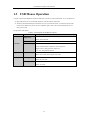
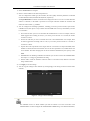
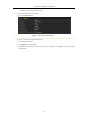
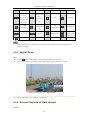
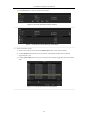
Playback progress bar: use the mouse to click any point of the progress bar or drag the progress bar to
locate special frames.
80