1
Navigation
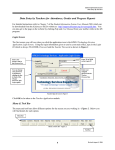
Whenever you see one
click the left side of your mouse once.
Whenever you see two
click the left side of your mouse twice.
Navigation Keys For Entering Information
Tab
ENTER
or
Shift
Alt
Tab
R
+
to move to next field
or
Up
Arrow
to go back one field
places you in the receipt screen.
Editing Keys
Backspace
deletes one character left of cursor
Delete
deletes one character
Insert
inserting & overwriting modes
When you see a pull-down field, click the arrow to the right to view all your choices.
Starting HDIS
MICROSOFT Windows Users
Start
Programs
Health District Info Systems
HDIS
2