1
2.7 Check information
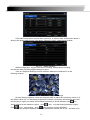
Through this option, the user can check system information, system journal, network
information
System Information
Information::
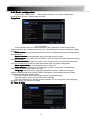
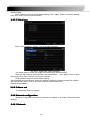
Enter menu � view information � system information, in the interface user can view
the equipment and version information and relevant information
Log information
information::
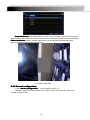
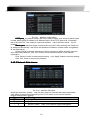
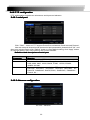
Enter menu � View system information � Log information,in the interface users can
set the start & end time of log you want to view, select the type of log you want to
view and click the search button, searched the log information will be displayed in the log list
box.
Note: Users can export data files to be backed up on removable storage devices.
Network information
information::
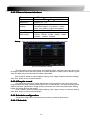
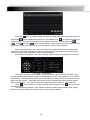
Enter menu � view information � Network configuration,in the interface,Users
can view the relevant parameters of the network information .
2.8 Disk management
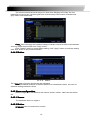
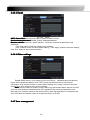
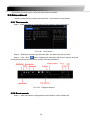
Enter menu � Disk management,In the interface, the user can view disk storage state,
also can choose to formatting the hard disk
Please format the hard disk before record ,Specific operation as below:.
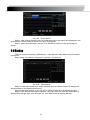
Step1: enter into disk management interface, The system will pop up the Disk
Management window.
Step2: select a hard disk and click Format button to star format.;set the property of the
disk then click Apply button to save the setting.
Note: all recorded files in the hard disk will be lost after formatted.
2.9 Upgrade
Once have the new version, the user can choose to upgrade the panel and the
mianboard, can get upgraded software from the buyers, to upgrade the system.
Upgrade step
step:user needs to copy the upgrade software which get from vendor into
the USB storage device and then connect to the USB port. Enter Menu Upgrade,refresh list,
the upgrade software name is displayed in the upgrade list box, select that software and click
Upgrade button to start upgrading. System will automatically restart on the upgrade process,
Please wait for a while when the system is rebooted. Please don’t cut off power during
upgrading。This system supports the upgrade of the USB device but it must
be compatible with the USB device, need to reboot the system after the upgrade
completed, to take effect.
Note: If the upgraded software does not appeared in USB, usually the USB
devices are not compatible
28