1
Digital Projection Lightning
Series A TOUR OF THE MENUS
Operating Guide
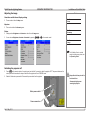
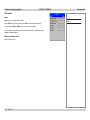
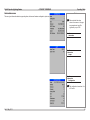
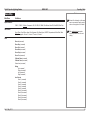
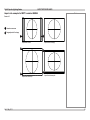
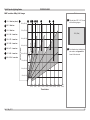
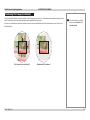
Blend Width
•
Notes
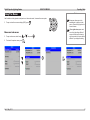
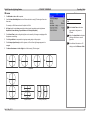
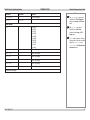
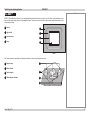
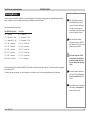
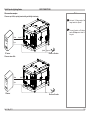
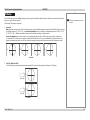
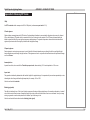
Use this to set the width of the blended regions.
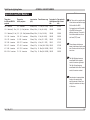
To apply the settings in these
menus, use the command at the
bottom of each page.
Main Menu
Edge Blend
Blend Width
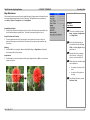
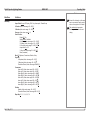
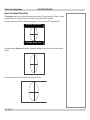
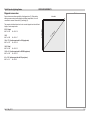
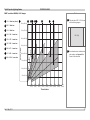
Black Level Uplift
•
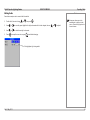
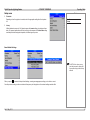
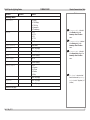
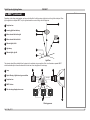
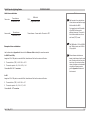
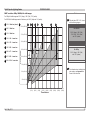
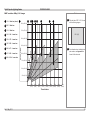
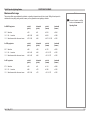
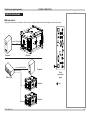
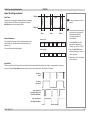
Use this to correct for non-zero black levels in the blended regions.
Main Menu
Edge Blend
Black Level Uplift
For additional information, see the
Reference Guide.
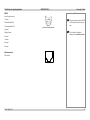
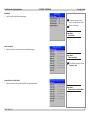
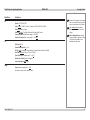
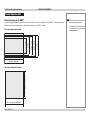
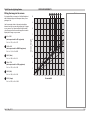
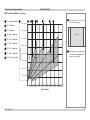
Reduce Black Level Uplift Width
•
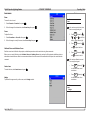
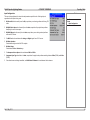
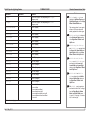
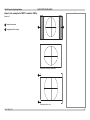
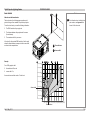
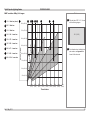
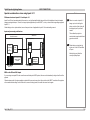
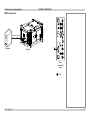
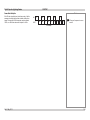
Use this to correct for stray light from the DMD’s non-addressable border.
Rev C May 2013
Main Menu
Edge Blend
Reduce Black Level Uplift Width
43