1
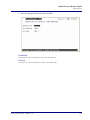
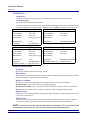
Profile Directory:Local Profile
Link Speed
Link Speed
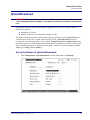
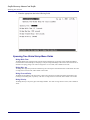
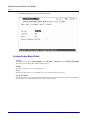
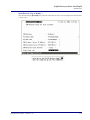
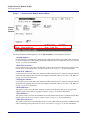
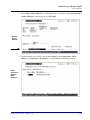
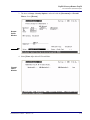
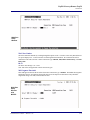
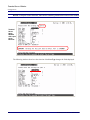
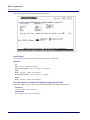
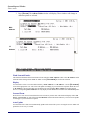
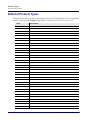
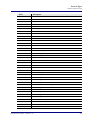
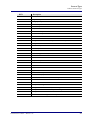
The Link Speed sets the Ethernet PHY mode and speed for the Router.
NOTE: It is highly recommended that this setting be left at auto-negotiation. Connection
ethernet devices with incompatible settings can lead to severe performance degradation and
errors on a network.
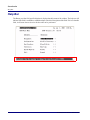
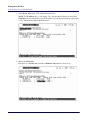
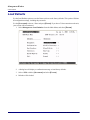
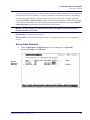
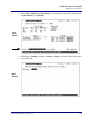
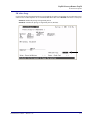
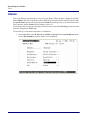
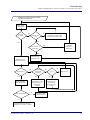
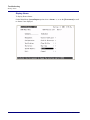
To Set the Link Speed:
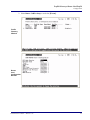
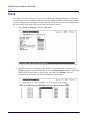
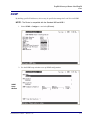
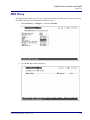
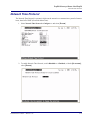
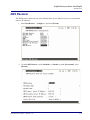
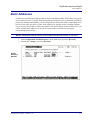
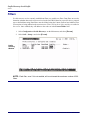
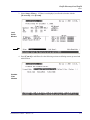
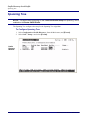
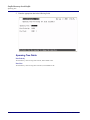
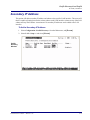
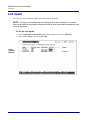
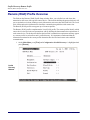
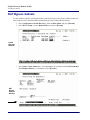
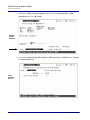
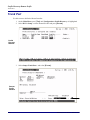
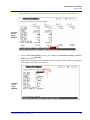
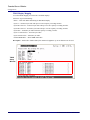
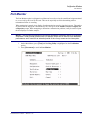
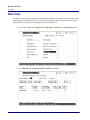
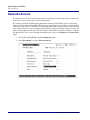
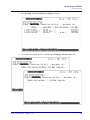
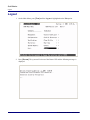
1. Select Configuration <Profile Directory> from the Main menu, select [ENTER].
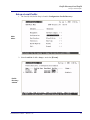
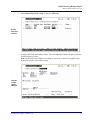
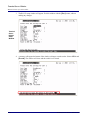
2. Select LAN < Setup -> and select [ENTER].
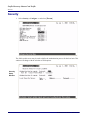
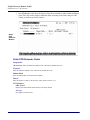
Profile
Directory
Window
4-44
Terminal Server Router - Release 2.97