1
Main Menu Options
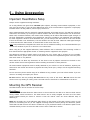
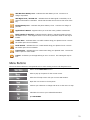
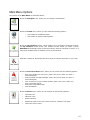
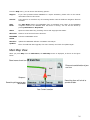
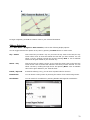
The options of the Main Menu are described below:
Shows the Navigate menu, where you can configure a destination.
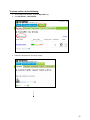
Shows the Traffic menu, where you can select the following options:
•
View traffic for predefined routes.
•
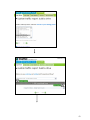
View traffic for specific road segments.
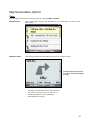
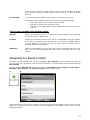
Shows the My Locations screen, which enables you to navigate to a favorite location.
The My Locations screen shows your Location Groups. When you select a group,
MOTONAV automatically shows its stored locations. Select the location to show it on a
map. Press the Go button to calculate a route to that location.
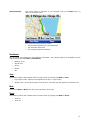
Generate a search for businesses and other points of interests anywhere on your map.
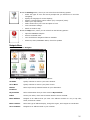
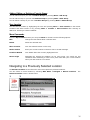
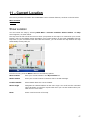
Shows the Current Location menu, where you can select from the following options:
•
•
•
•
•
Save your location for future use. (Note: Only occurs when you have a
fixed GPS signal.)
Send a location via SMS message. (Note: Only occurs when you have a
fixed GPS signal.)
View a summary of your location details. (Note: Only occurs when you
have a fixed GPS signal.)
Search the map without GPS.
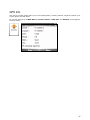
View GPS details.
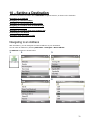
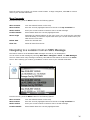
Shows the Route menu, where you can select from the following options:
•
Directions List
•
Maneuver View
•
Route Summary
•
Specify the type of road you want to avoid, for example: Toll roads.
•
Cancel the current route.
24