1
13 – Settings and Help
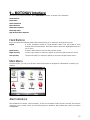
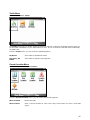
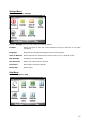
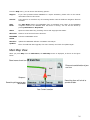
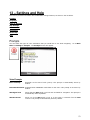
This section provides information about MOTONAV settings features, as shown in the list below.
Prompts
Language
Units of Measure
Map Settings
Nav Shortcuts
Connection
Select Map
Help
Prompts
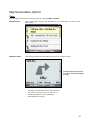
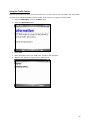
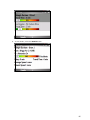
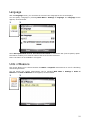
You can select the types of voice notification that you would like to use while navigating. Go to Main
Menu > Settings > Prompts. The Prompts screen will appear.
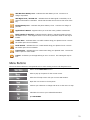
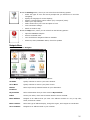
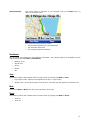
Voice Prompts
Drive Carefully
Reminder at the start of each journey. This prompt is automatically active by
default.
Route Recalculation Activated when MOTONAV recalculates a new route. This prompt is not active by
default.
GPS Signal Low
Warns that the GPS signal is too low and unreliable for navigation. This prompt is
automatically active by default.
GPS Not Found
Alerts you if the GPS signal is lost, or if the power is removed from the GPS
receiver. This prompt is automatically active by default.
53