1
0. Basic layout
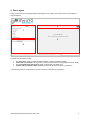
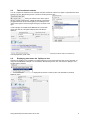
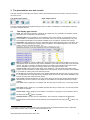
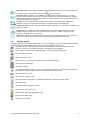
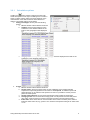
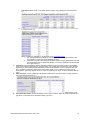
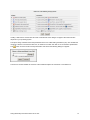
When you first start Swing a largely empty screen appears. This contains four panels used to control selection
and presentation.
2
1
3
4
In logical order, the panels contain:
1.
2.
3.
4.
The theme tree, where you select predefined reports or specific variables to display
Period and area selectors, which you use to restrict the time periods and geographical areas to display
The presentation area and controls, where you determine your display form
Variable and presentation output controls, used to build and save or export a presentation.
In the following sections we will explore how each of these is used to build a presentation.
Swing-Quickstep user manual 2013-02-19.docx
2