1
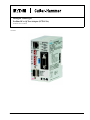
Intelligent Technologies (IT.) Profibus to QCPort Adapter
June 2005
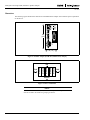
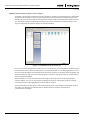
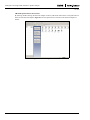
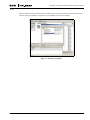
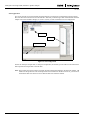
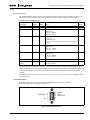
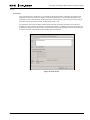
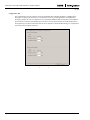
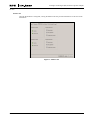
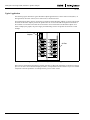
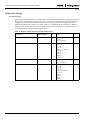
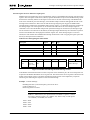
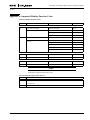
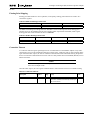
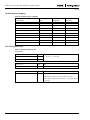
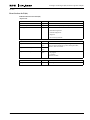
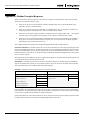
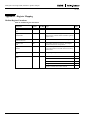
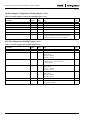
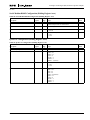
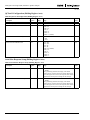
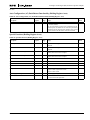
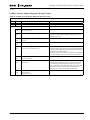
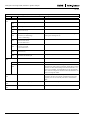
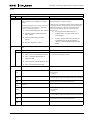
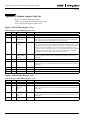
Double-click the Profibus to QCPort Network Adapter Icon to bring up the properties pane for the Network
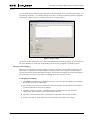
Adapter. Select the “Parameter Assignment” tab to parameterize the Network Adapter.
Figure 11: Parameter Assignment
MN05008001E
For more information visit: www.eatonelectrical.com
15