1
“Rethinking sensing technology”
Document type : User Manual
Document version : 2.6
BeanDevice® User Manual – SmartSensor
product lines
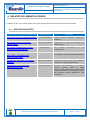
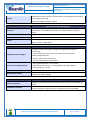
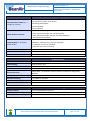
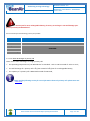
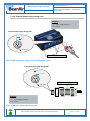
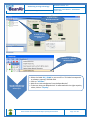
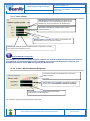
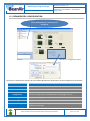
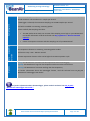
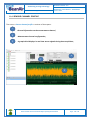
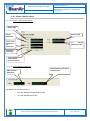
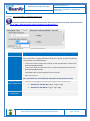
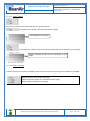
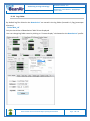
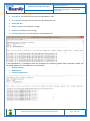
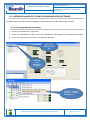
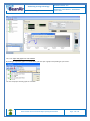
2/ Click on the
BeanDevice® tab
1/ Click on your
BeanDevice®
profile
3/ Click on « System
Maintenance »
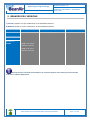
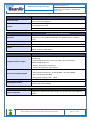
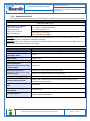
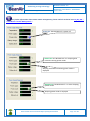
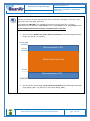
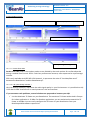
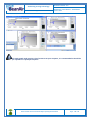
Step 6: Calibrate your
primary cell from the
BeanScape®
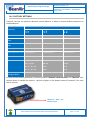
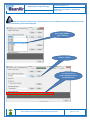
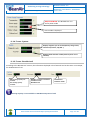
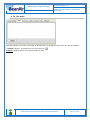
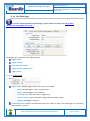
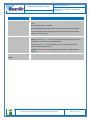
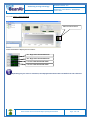
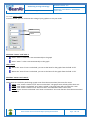
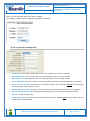
• Select the label PP6_5DMG in your scroll list. This label corresponds
to a battery capacity of 6500 mAh.
• Click on "Validate"
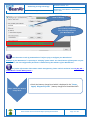
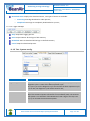
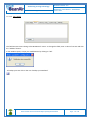
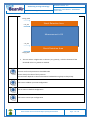
• Wait for an Acknoledgment from the BeanDevice®
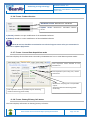
• To be sure that your Beandevice® is calibrated with the right capacity
value, click on "Display"
Please consider the environnement before printing this document.
Page : 80 / 152