1
Copying data 51
5.9.3 Security query
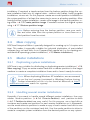
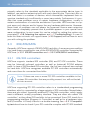
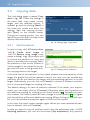
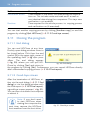
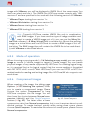
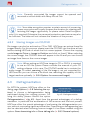
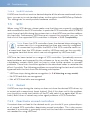
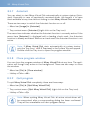
Before the final start of the copying
process, a security query (4fig. 24),
appears where source and target of
the copying process as well as corresponding security notes are displayed.
Click [Start copying] to start the copying process and [Cancel] to return
without starting the copying process.
fig. 24: Security query
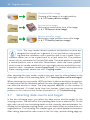
Warning: Any data in the target area will be irretrievably deleted by
starting the copying process.
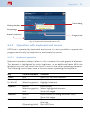
5.9.4 Copy animation
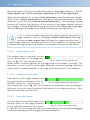
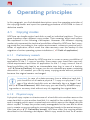
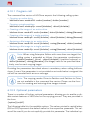
In the center of the operating field, there is the copy animation (if you have not
deactivated it when selecting the options) after starting the copying process.
The copy animation shows, that the copying process is running. Especially other
indicators only change rarely, for example in case of read or write errors, the
copy animation shows that HDClone is still running.
5.9.5 Status indication
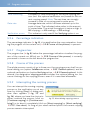
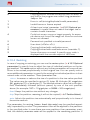
On the left and right side of the operating field, you see the status indicators.
They contain information on the current status of the copying process.
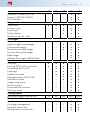
Status
Sectors processed
Buffer size
Read errors
Write errors
Running time
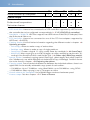
Meaning
Absolute number of sectors already copied.
Size of the internally used buffer.
Number of the read errors occurred yet. This number
may decrease if errors can be fixed. When starting the
optional verification run, this value is set back to zero.
Number of the write errors occurred yet. This number
may decrease if errors can be fixed. When starting the
optional verification run, this value is set back to zero.
Time passed since the start of the copying process.