1
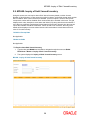
IVM10 - Multi Currency Package - Stock Xref
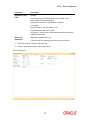
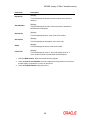
Column
Name
Description
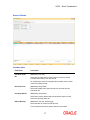
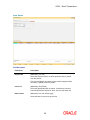
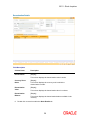
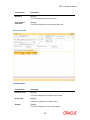
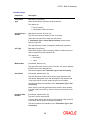
Stock Code Details
Stock Code
[Mandatory, Pick List]
Select the stock code which is available for link with MCA or account
from the pick list.
If the stock code is already linked to MCA Package, then system will
give error message on selection [TABOUT]. For a given multi currency
package, only those stock codes can be linked which are created under
stock type having attribute value ‘Y’ for the attribute ‘Linked to Account’
in the Inventory Attribute table.
Stock code is a manually generated unique number, which enables the
bank to track the inventory. A stock code has to be unique in the
system.
Stock Code
Description
[Displays]
Stock Type
[Displays]
This field displays the name of the stock code.
This field displays the stock type under which the stock code is created.
Stock Type
Description
[Displays]
Delete(Y/N)
[Toggle]
This field displays the name of the stock type.
If the field is marked as Y then the stock code details set for the
customer will get deleted.
3.
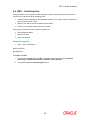
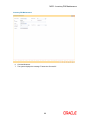
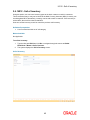
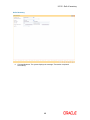
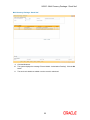
Click the Add button.
4.
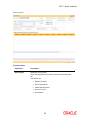
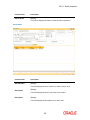
Select the multi currency package code from the pick list. The system displays the multi
currency package details.
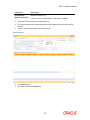
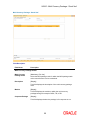
5.
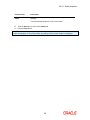
Click the + button to add the stock code details.
6.
Select the stock code from the pick list. The system displays the stock code details.
51