1
eSSENTIAL Accessibility™ - USER MANUAL
2.5.1
21
Motion Detection
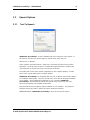
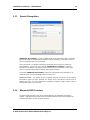
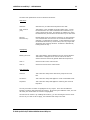
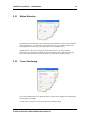
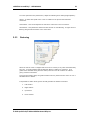
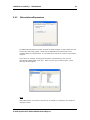
The Sensitivity of the detection area must be precisely defined in order to ensure optimal
cursor performance. The selected level will depend on the user's ability as well as the
area targeted for movements (e.g. head, finger, foot, eye blinking, etc.)
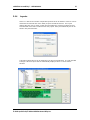
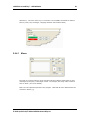
WebCam Mouse uses a nine-cell grid to detect video motion. To ensure optimal
performance, the grid should completely cover the captured area. With this option the
size of each cell is specified in pixels to adjust the grid to fit the targeted region.
2.5.2
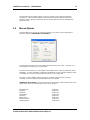
Cursor Positioning
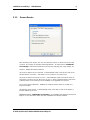
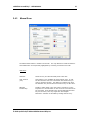
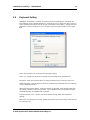
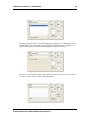
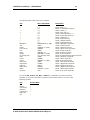
To use the WebCam Mouse as a pointing device, just check the Enable Cursor Positioning
box and Apply accordingly.
To stop cursor movement on the screen bounds, select this option.
© 2005 QualiLife SA/© 2008 eSSENTIAL Accessibility Inc.