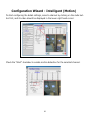
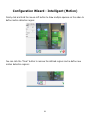
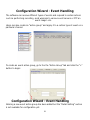
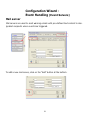
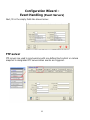
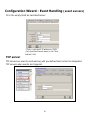
1
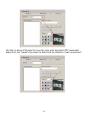
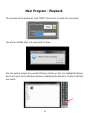
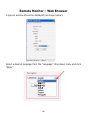
the left.
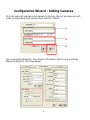
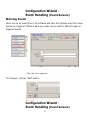
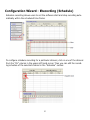
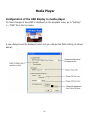
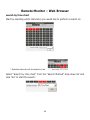
The “Channel List” page should be display which is an overview page that displays a
list of cameras currently added to the software.
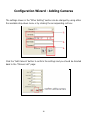
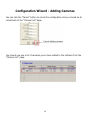
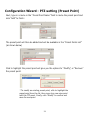
To add a new camera, click on the “Channel Setting” tab and select an available
channel from the “Channel” drop-down menu, and then click on “Search” to begin:
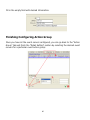
* The “Search” function only works when the cameras are
installed in the same subnet as the PC the NVR software is
installed
14