1
EaseUS Partition Master User Guide
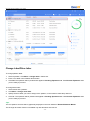
1. The feature is not valid for dynamic disk, but you can convert a dynamic disk to basic before converting it to GPT.
2. System GPT disk can only be booted from UEFI mode, so please make sure your operating system and
motherboard are supported to boot from UEFI mode before converting the disk to GPT.
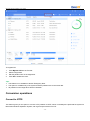
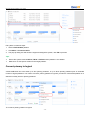
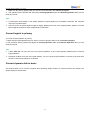
Convert GPT to MBR
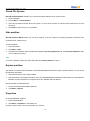
This feature allows you to convert a GPT disk to MBR disk without data loss.
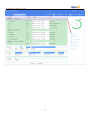
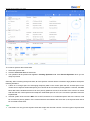
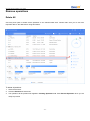
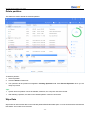
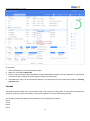
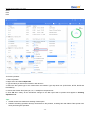
To convert the GPT disk to MBR:
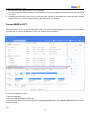
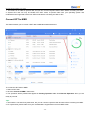
1. Select a GPT disk.
2. Click the Convert to MBR in feature list.
3. The operation will be pended until applied in Pending Operation List. Click Execute Operation when you are
ready to proceed.
Tips:
1. The feature is not valid for dynamic disk, but you can convert a dynamic disk to basic before converting it to MBR.
2. For system disk, please make sure your motherboard is supported to boot from BIOS mode.
- 20 -