1
Version 8.00
EVS MULTICAM - User’s Manual
EVS Broadcast Equipment SA – Dec 2005
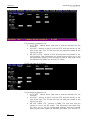
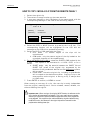
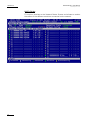
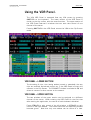
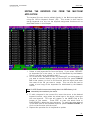
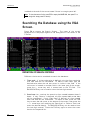
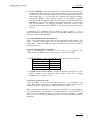
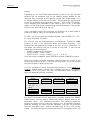
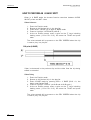
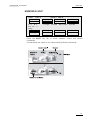
Network monitoring screen
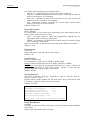
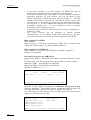
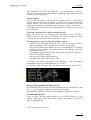
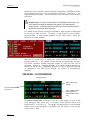
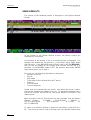
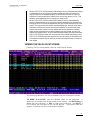
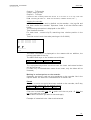
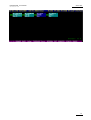
A new screen has been added in Shift-F4 to enable more accurate
monitoring of the SDTI network status (the screen background is black).
Information displayed
All the machines are displayed in the logical connection order : i.e., the
way they are effectively connected on the network.
For each machine, we display :
the net number + name
the serial number
the main network configuration setting (server, master client) as defined
in EVS.
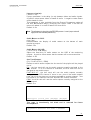
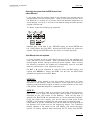
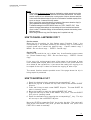
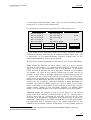
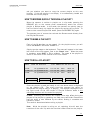
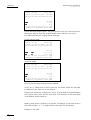
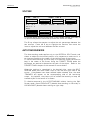
The background colour of the machine means
blue : effective server
grey : not currently server
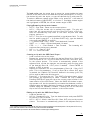
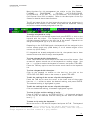
The colour of the text indicates the video network overload (based on how
many SDTI network mailboxes are used) :
White : ok, less than 90% capacity
Red (over 90%) : risk of network overload.
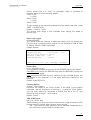
The colour of the link indicates the physical link status between two
machines :
green : OK
red : errors
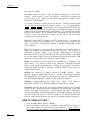
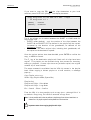
Pressing the Space bar pauses or restarts the monitoring.
Pressing [Enter] resets the counters.
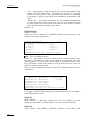
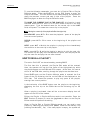
Pressing [PgDn] displays a new screen with the information of the list of
machines sorted by serial number with error counters information.
130