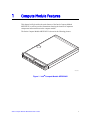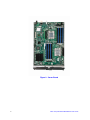
1
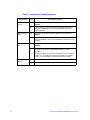
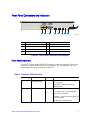
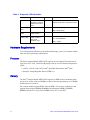
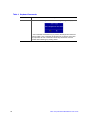
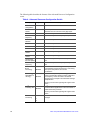
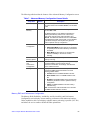
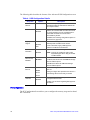
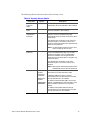
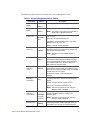
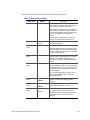
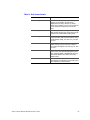
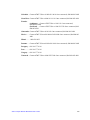
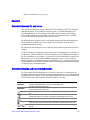
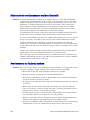
Table 3. Diagnostic LED Information
LED Name
Function
Color
Indicator
®
ID LED
Provides an aid in
identifying a compute
module from the front
panel
Blue
Use the Intel Modular Server Control
software to activate or inactivate the LED.
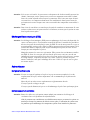
Drive activity
LED
Indicates drive activity
Green
Off = No drive activity
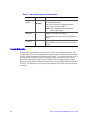
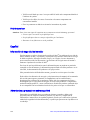
NIC1—2
LEDs
Indicates network
activity and link
Green
Blink = Outbound activity
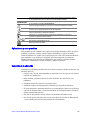
I/O 1 - I/O 2
Activity LEDs
Indicates network
activity and link of
NICs on I/O
mezzanine card
Green
Off = No link
Blink = Drive activity
On = Link established
Blink = Activity
Hardware Requirements
To avoid integration difficulties and possible board damage, your server compute module
must meet the requirements outlined below.
Processor
The Intel® Compute Module MFS5520VI supports up to two Intel® Xeon® Processors
5500 series in FC-LGA 1366 Socket B package with up to 95-W Thermal Design Power
(TDP):
• 4.8 GT/s, 5.86 GT/s and 6.4 GT/s Intel® QuickPath Interconnect (Intel® QPI)
• Enterprise Voltage Regulator-Down (EVRD) 11.1
Memory
The Intel® Compute Module MFS5520VI supports six DDR3 memory channnels (three
per processor socket) with two DIMMs per channel, thereby supporting up to 12 DIMMs
with dual-processor sockets.
The compute module supports DDR3 1066 and DDR3 1333 memory technologies and
supports both registered DIMMs (RDIMMs) and unbuffered DIMMs (UDIMMs).
RDIMMs must be ECC only, while UDIMMs can be ECC or non-ECC.
8
Intel® Compute Module MFS5520VI User Guide