1
“MP3” file
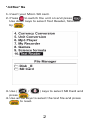
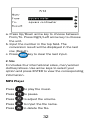
1. Insert your Micro SD card.
2. Press
to switch the unit on and press
Use down keys to select MP3, followed by
.
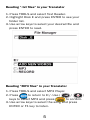
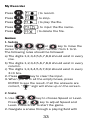
3. Press
.
once to return to E:/, Press
again to return to File Manager. Use (
) keys to select MP3 and press
go to your MP3 folder files. Press
/
to
again.
Track listing will appear on the screen.
4. Use arrow keys to select the song and press
or
to listen.
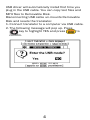
USB
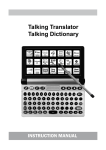
The translator can be connected to a computer
via USB cable to download files as necessary. Note
USB download works with Windows system only.
3