1
Digital Video Recorder User Manual
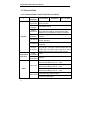
3.5.2 Setup
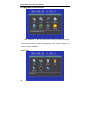
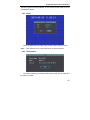
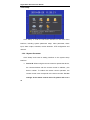
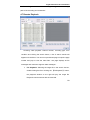
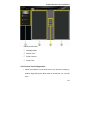
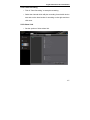
Click “Setup” to enter the sub-menu interface on the main menu
interface, including system parameter setup, video parameter, alarm
input, alarm output, schedule, motion detection, PTZ configuration and
network.
3.5.2.1 System Parameter
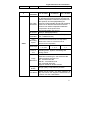
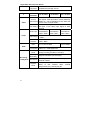
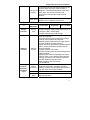
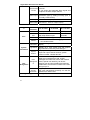
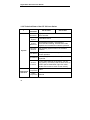
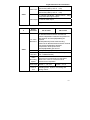
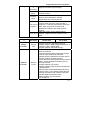
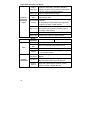
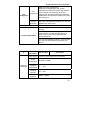
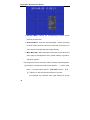
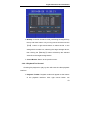
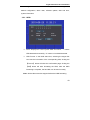
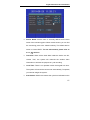
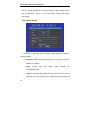
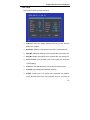
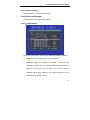
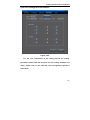
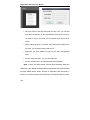
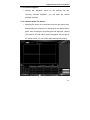
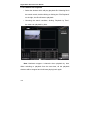
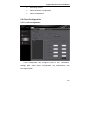
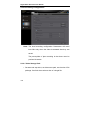
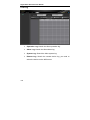
Click "Setup" and enter its setting interface on the system setup
interface.
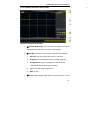
¾
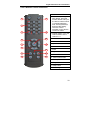
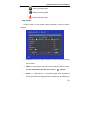
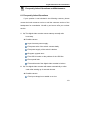
Device ID: When using the remote control to operate the device,
the communications with the remote control is realized y the
device number. To realize the remote control operation, the
remote control must correspond to the device number. For the
settings of the remote control device ID, please refer to 2.3
56